
Find your starting point
Go with a familiar template, upload that perfect photo, or start with a blank canvas.
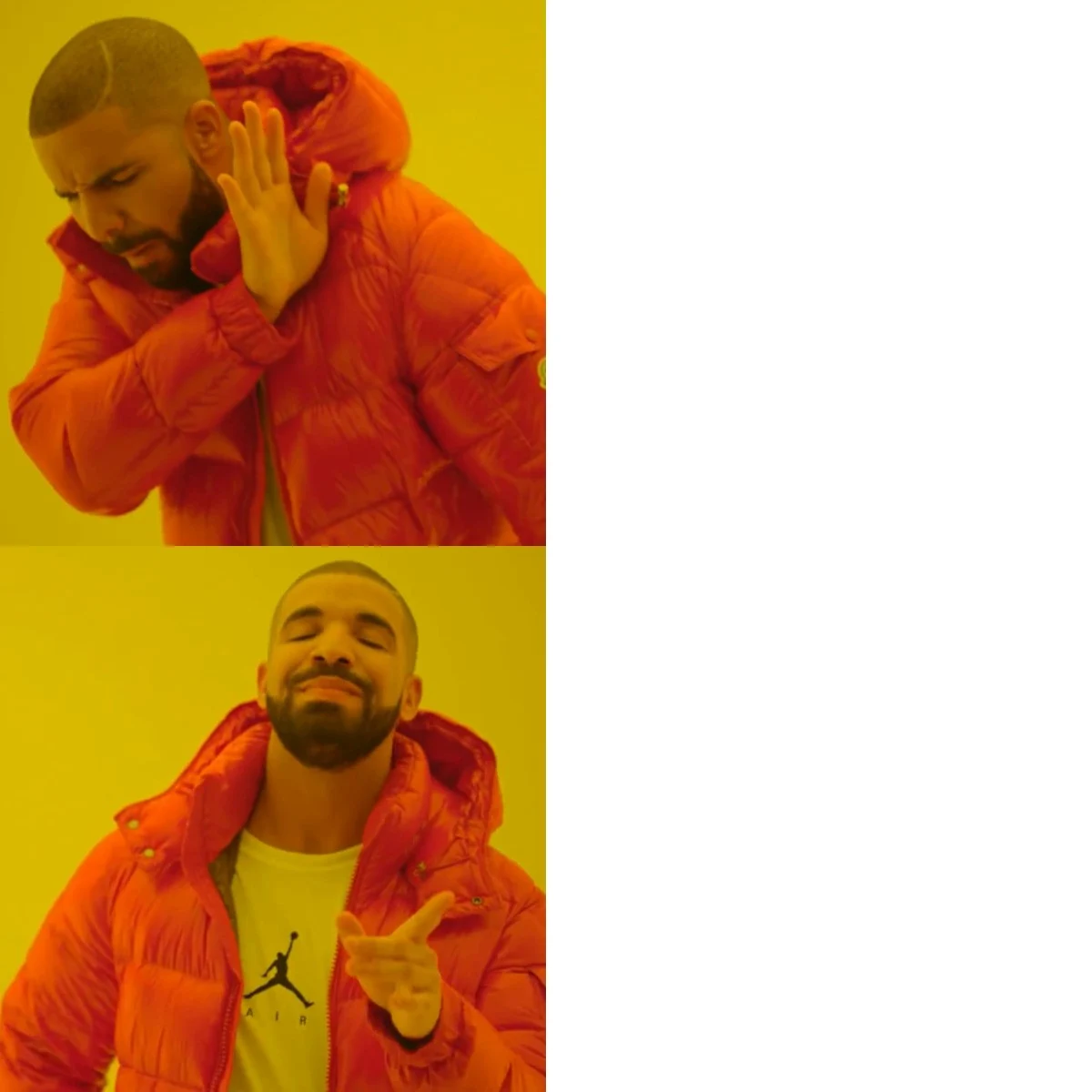
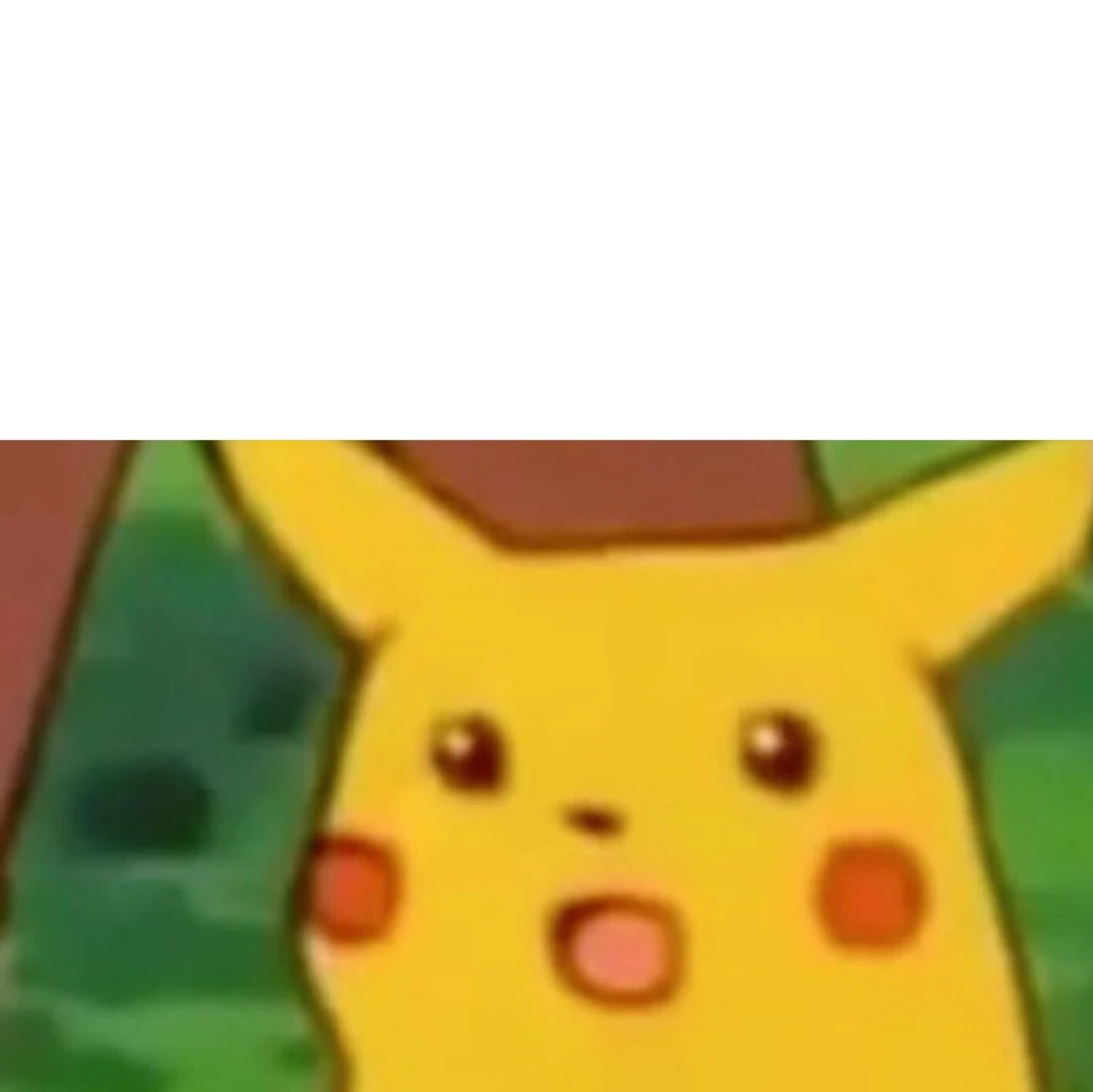
Turn a funny photo, a familiar reaction or an everyday moment into a meme worth sharing. Choose from 32 image templates, including Drake, Distracted Boyfriend and Surprised Pikachu, or upload your own picture to give the joke a personal twist.
Add your setup and punchline, drag the text into place, and customize the font, colors and outline. From classic top-and-bottom captions to multi-panel jokes, you can make it your own and download a PNG, JPG or WebP for the group chat. Free, with no watermark or sign-up.
Drag the text to make it yours
ONE IMAGE. YOUR PUNCHLINE.
The Meme Generator is a free online image editor for adding custom text to meme templates and your own pictures. An image meme combines a recognizable expression or situation with a caption: the picture sets the mood, and your words make it about your life, your friends or that oddly specific thing everyone understands.
Use a reaction image for a quick joke, compare two choices in a split-panel template, or build a story across several frames. Start with one of the templates above, bring your own photo, or use a blank canvas for a text-first meme. You control the captions, their position and their style, and the finished image downloads directly to your device.
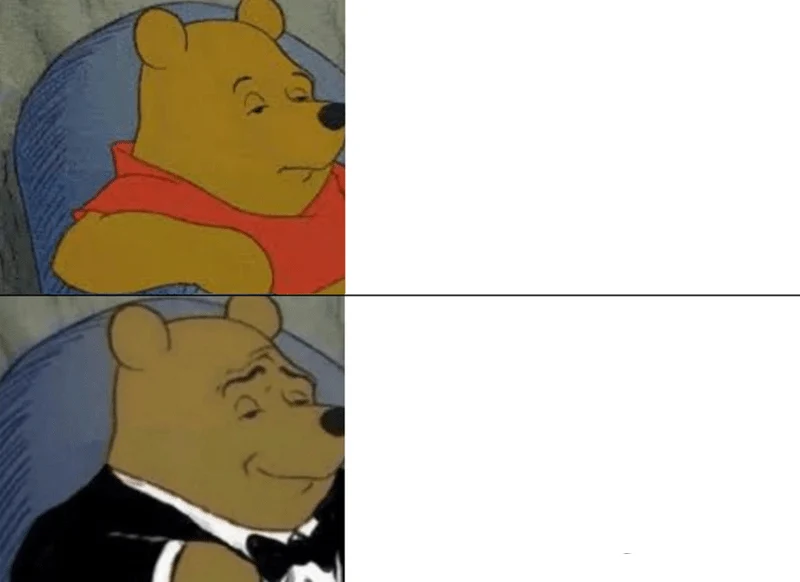
A familiar image becomes a new joke with the right caption.
FROM IDEA TO GROUP CHAT
Go with a familiar template, upload that perfect photo, or start with a blank canvas.
Write your captions, drag them into place, and find the font and colors that fit the joke.
Download a crisp PNG, JPG or WebP. No watermark getting between you and a good laugh.
GET TO KNOW THE JOKE
Not sure which picture fits your idea? Each template has a different rhythm. Here are six ways to turn a familiar image into your own joke.
Put the option you would skip in the top panel and the one you prefer in the bottom. The two reactions turn a simple comparison into a punchline.
An hour-long meeting / A three-line email
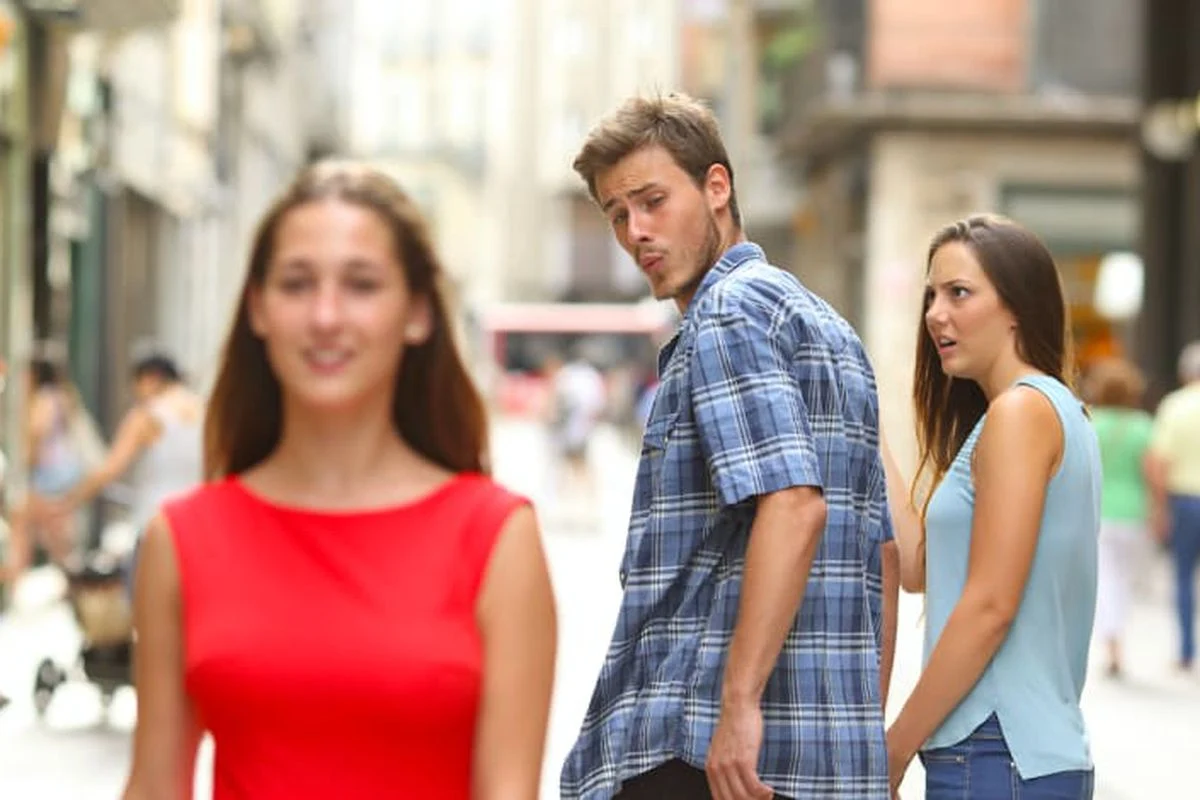
Label the three people as you, your current commitment and a tempting alternative. The joke is the gap between what deserves your attention and what gets it.
Me / My unfinished project / A brand-new idea
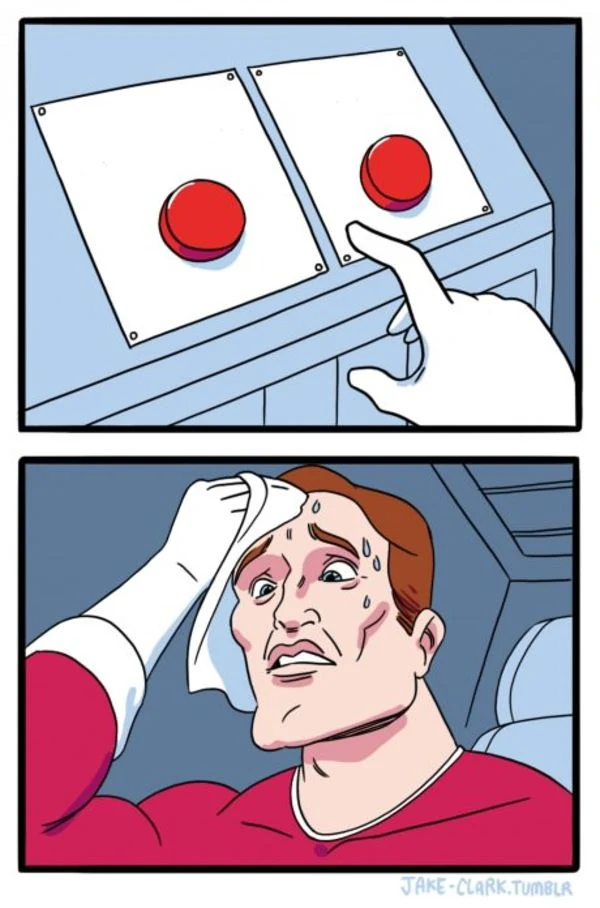
Give each button a competing choice. Use it for everyday dilemmas, conflicting priorities or two things you somehow want at the same time.
Go to bed early / Watch one more episode
Pair a predictable action with its equally predictable consequence. Pikachu's shocked expression supplies the reaction, even when everyone saw it coming.
Forget to charge my phone / Phone runs out of battery
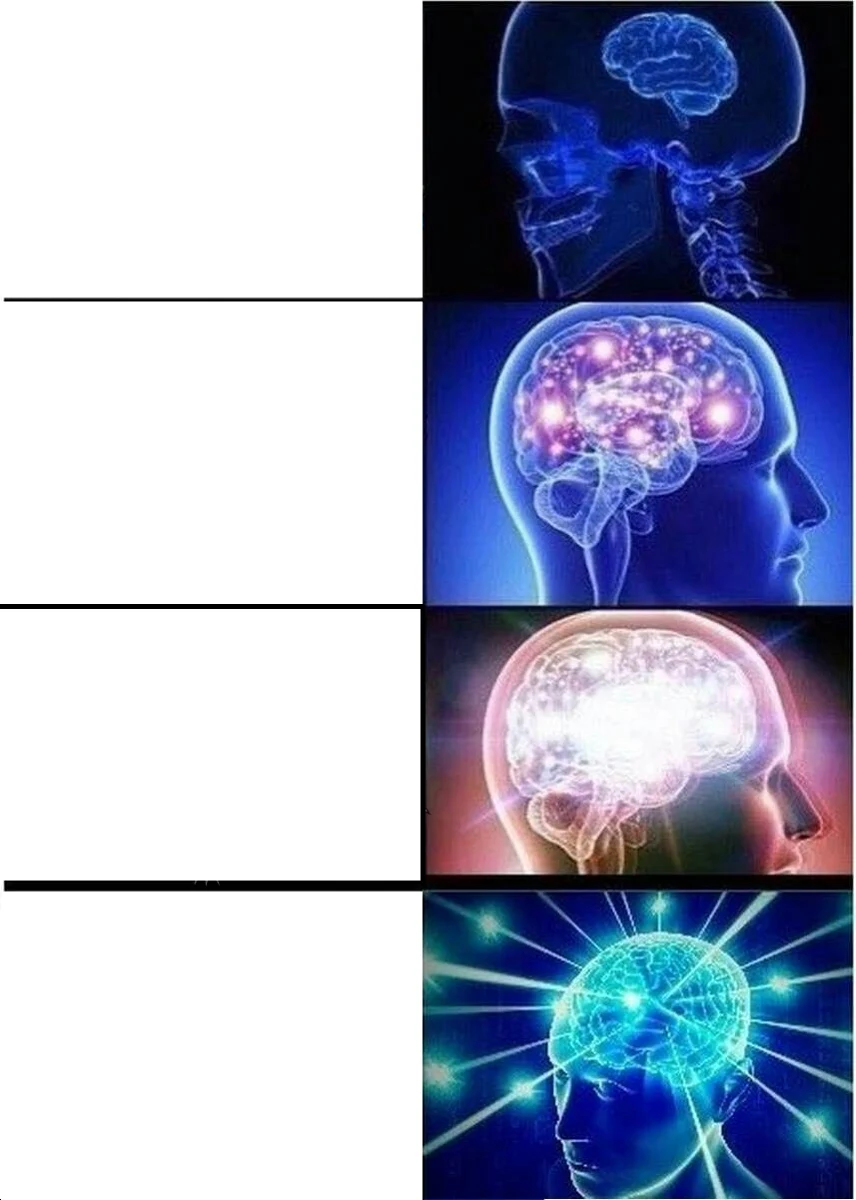
Build a four-step progression from ordinary to increasingly over-the-top. Each brighter brain raises the stakes, making the last panel your biggest joke.
Write a reminder / Set an alarm / Build an app / Forget why
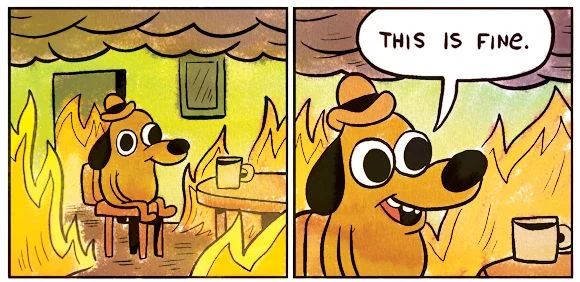
The calm dog and the room full of flames capture a familiar mood: acting as though everything is under control while the situation says otherwise.
My inbox after one day off
GOOD TO KNOW
Yes. Choose a template, edit your captions and download your meme for free. There is no watermark, account requirement or credit charge.
Absolutely. Upload a JPG, PNG, WebP or AVIF image, drag it into the editor, or paste an image while the editor is focused. Files can be up to 20 MB and 40 megapixels. Large images are resized to a maximum of 2,000 pixels on the longest edge, keeping their original proportions.
Drag any text box on the preview, then use the controls to change its font, color, outline, size and alignment. More text options includes box width and position sliders. You can also focus a text box and use the arrow keys to move it, or Shift + arrow keys for bigger steps. Add up to eight captions.
No. Your uploaded images, captions and finished memes are processed in your browser. Downloading saves the result to your device; it does not publish it or create a public link.
PNG is a good choice for crisp text. JPG is useful for smaller photo-based memes, and WebP combines compact files with sharp detail. All three formats include your captions without the editing outlines. This editor creates still images, not animated GIFs.