From 20 credits / image
Generate images or edit a reference with Nano Banana 2.1. Choose 1K–4K, panoramic ratios and optional search grounding.
Free · No login needed
A few words, a new image. Create without signing in, with a fresh free allowance each day.
From 12 credits / image
Create from a prompt or edit a reference image. Choose Flare or Sunburst and export up to 4K.
Free · No sign-in needed
Build a useful image prompt with subject, style and lighting. Edit, copy, or send it to GPT Image 2.
10 credits / image
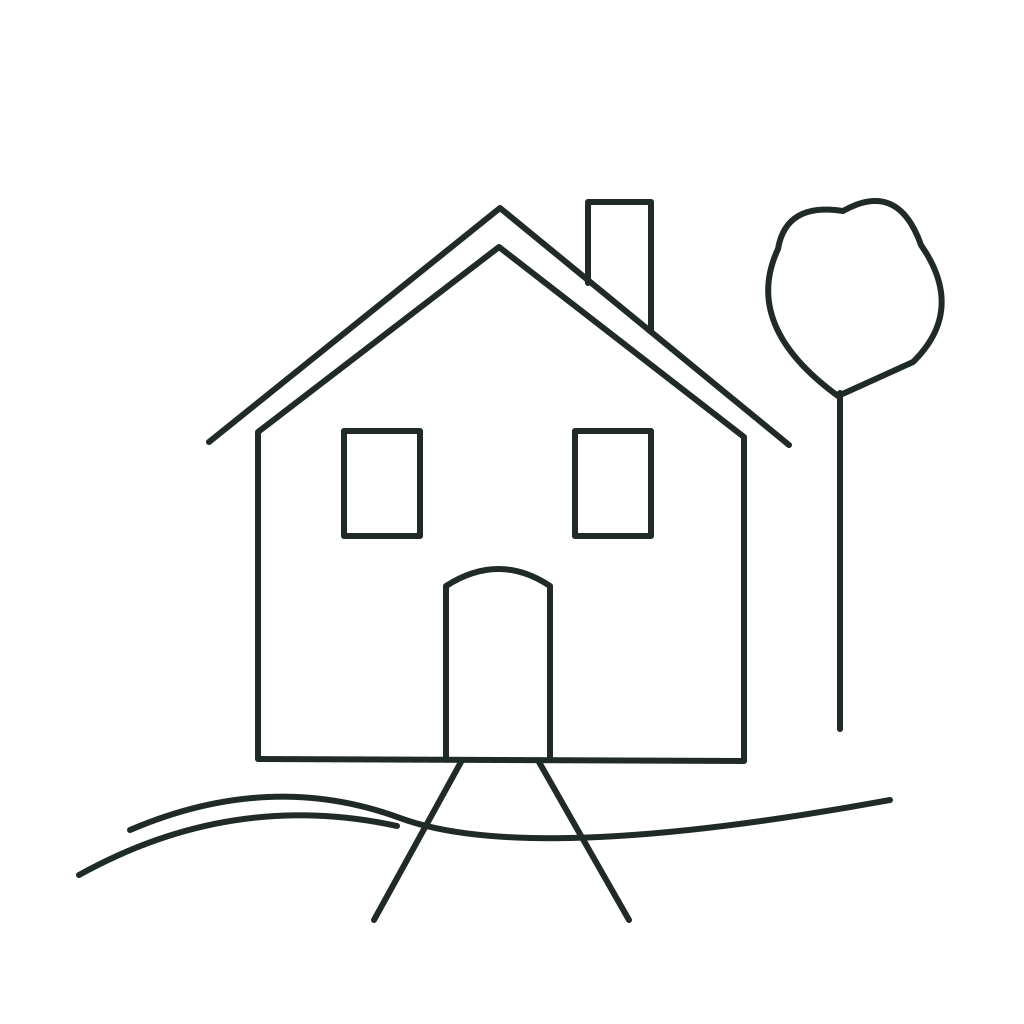
Sketch an idea, describe the scene, and turn your composition into a photo with AI.
20 credits / image
Turn a clear idea into an image. Start with your own prompt or remix one from the gallery.
Model guide and online demo
Native transparent PNGs, up to 10 references and local editing. Try the embedded demo and explore official examples.
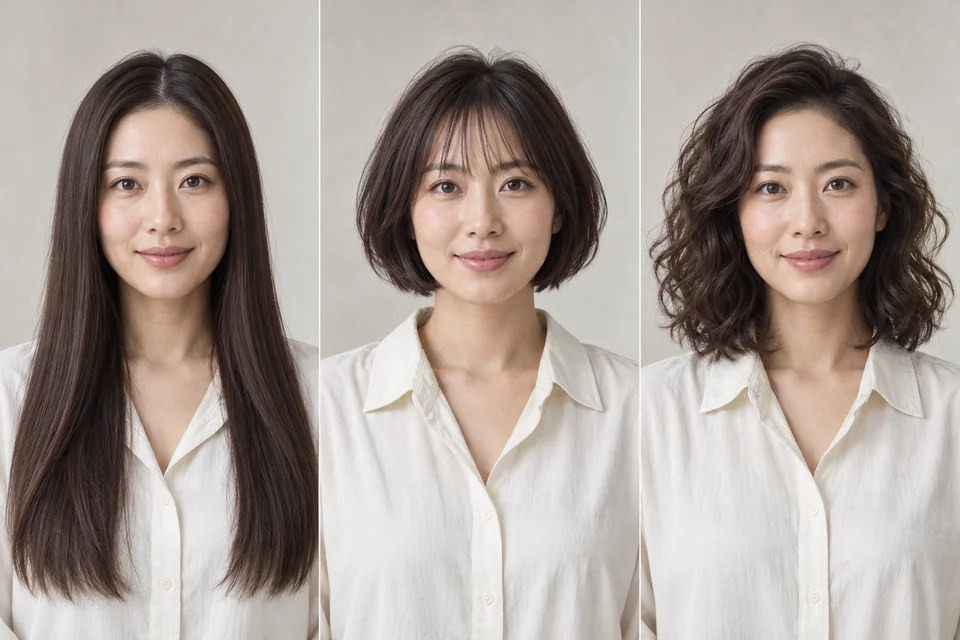
Try 40 hairstyles on your photo.
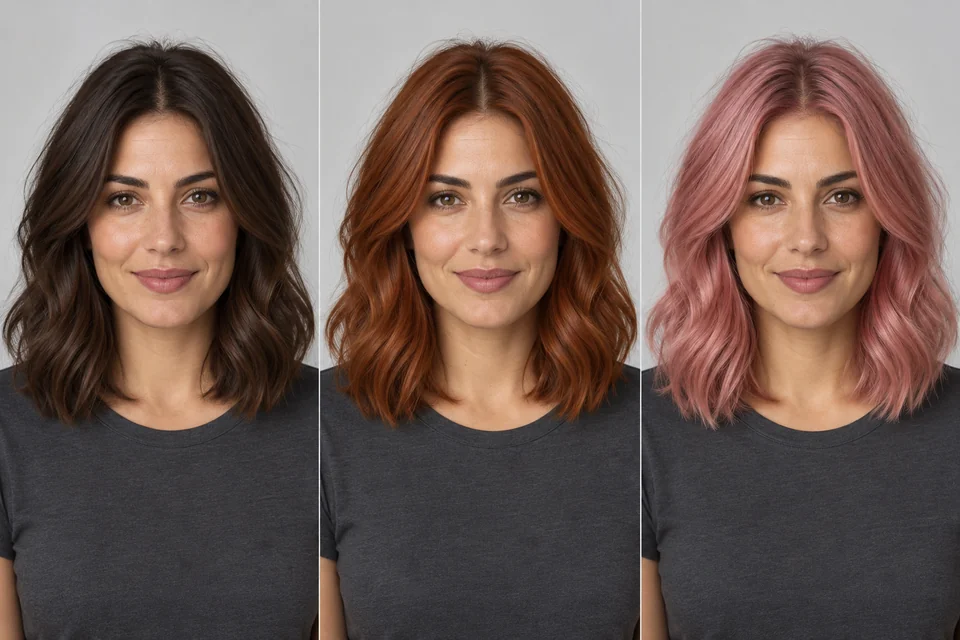
Try a new hair color with your current hairstyle.
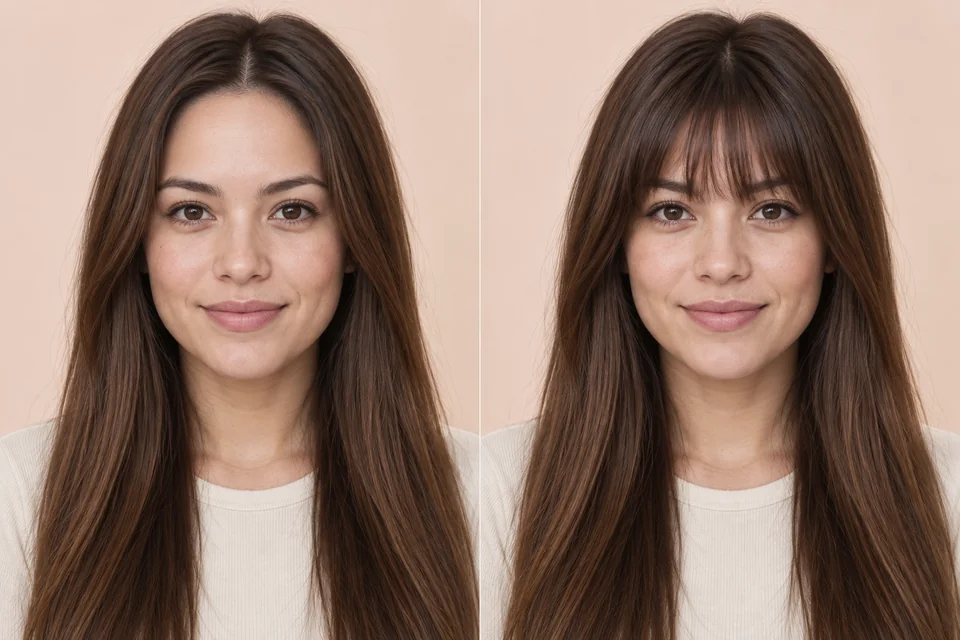
Compare curtain, wispy and blunt bangs.
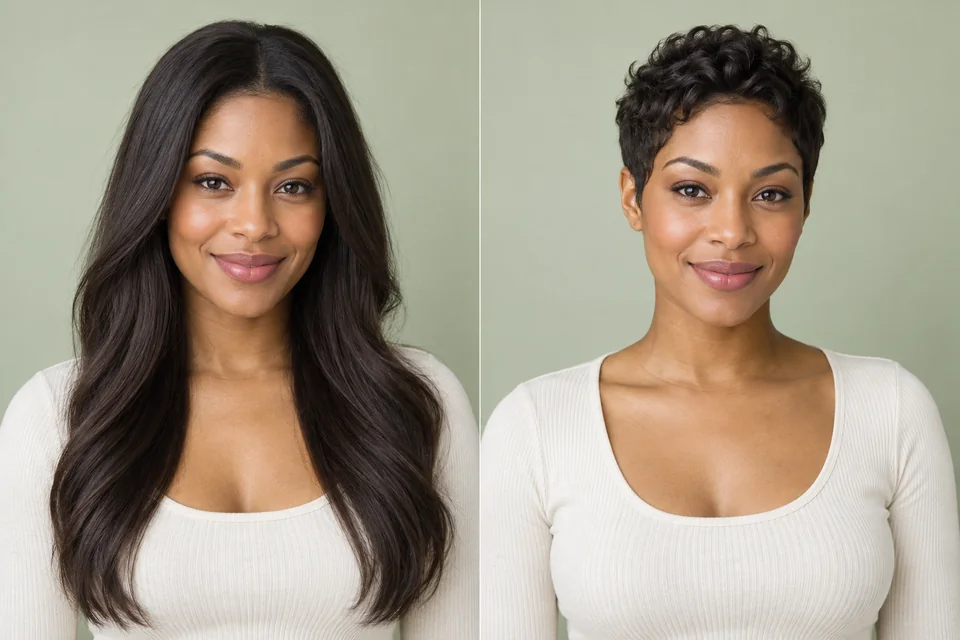
Compare pixie, bob, crop and buzz cuts.
One free preview per account across these tools · Sign in required · Then 12 credits / image
42 tools
Every processing mode is labeled before you open a tool.
Remove backgrounds from portraits and products. Download a transparent PNG for free.
Remove backgrounds from portraits and products. Download a transparent PNG for free.
Replace a product photo’s background with white. Download for free.
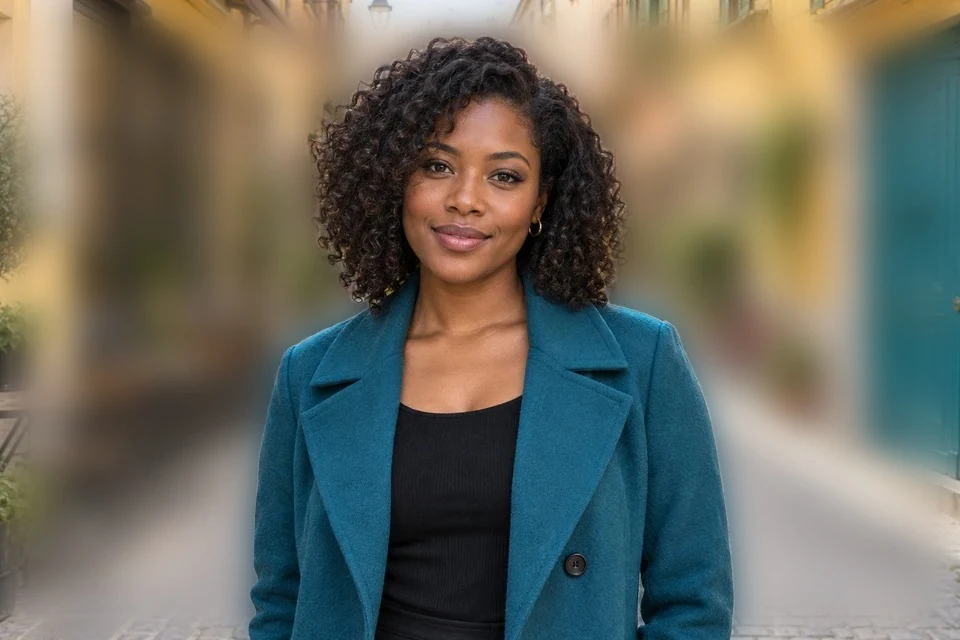
Blur a portrait’s background while keeping the person sharp. Download for free.
Detect and blur faces locally in supported browsers.
Extract visible text using on-device browser capabilities.
Create balanced social and thumbnail crops in your browser.
Generate a fast grayscale depth-style preview locally.
Draft concise, accessible alt text for web images.
Turn visual details into a reusable image-generation prompt.
Remove unwanted objects and reconstruct the background with cloud AI.
Generate a new product background from your scene description.
Build a useful image prompt with subject, style and lighting. Edit, copy, or send it to GPT Image 2.
Generate images or edit a reference with Nano Banana 2.1. Choose 1K–4K, panoramic ratios and optional search grounding.
Turn a prompt into an image for free. No login needed, with styles, image shapes and daily fair-use limits.
Create from a prompt or edit a reference image. Choose Flare or Sunburst and export up to 4K.
Sketch an idea, describe the scene, and turn your composition into a photo with AI.
Turn a clear idea into an image. Start with your own prompt or remix one from the gallery.
Upload a photo and try short hair, long hair, bangs, curls, bob cuts, braids, new hair colors and more with AI.
Preview blonde, brown, red, silver, highlights and balayage on your photo with AI while keeping your current haircut.
Preview a pixie, bixie, crop or buzz cut with an AI short hair filter. Upload your photo and compare short hairstyles.
See if bangs suit you with an AI bangs filter. Compare curtain bangs, wispy bangs and a full blunt fringe on your photo.
Try a classic bob, French bob, blunt bob or long bob on your photo. Compare lengths and download a Salon Card.
Use an AI curly hair filter to preview curls, soft waves or an afro. Compare textures on the same portrait.
Preview long straight hair, flowing waves or layered hairstyles with an AI long hair filter on your own photo.
Preview a bald look on your own photo with AI. Compare a shaved head with a buzz cut before choosing your next style.
Try men's hairstyles on your photo with AI: buzz cuts, fades, crops, side parts, pompadours, mullets and more.
Try women's hairstyles on your photo with AI, from pixies and French bobs to long waves, bangs, layers and braids.
Replace a photo background with transparency, a color, blur or your own image. Refine edges and download locally.
Cut out a product, choose a background, add a shadow, set output dimensions and compress the finished photo in one workspace.
Create an adjustable drop shadow for a product cutout. Change blur, opacity and offset, then export locally.
Prepare a product image using a 2000 × 2000 canvas preset, clean background and adjustable shadow. Check the marketplace's current listing requirements before publishing.
Prepare a product image using a 2048 × 2048 canvas preset, clean background and adjustable shadow. Check the marketplace's current listing requirements before publishing.
Prepare a product image using a 2000 × 1500 canvas preset, clean background and adjustable shadow. Check the marketplace's current listing requirements before publishing.
Prepare a product image using a 1600 × 1600 canvas preset, clean background and adjustable shadow. Check the marketplace's current listing requirements before publishing.
Inspect a public page’s Open Graph and X Card metadata and simulate its sharing preview.
Increase image resolution with AI. Choose 2K, 4K or 8K output and compare the result with your original.
Reconstruct fine detail in soft photos with AI enhancement. Review faces and textures against the original before downloading.
Try AI detail reconstruction on a blurry image and compare before and after. Missing details are estimated, not recovered with certainty.
Automatically remove embedded text and reconstruct the background. Use the manual selection tool when some text must remain.
Translate text inside a picture into another language and download the translated image. Check names, numbers and layout before sharing.
Expand an image to a new aspect ratio using AI-generated surroundings. Create square, portrait or landscape compositions without stretching.