Skip to content
Image Toolkit

A LITTLE IMAGINATION. A LOT OF DETAIL.

GPT Image 2.5

Turn an idea into an image. Keep what you love. Change the details that make it yours.

Cloud processingFrom 12 creditsExplore examples
12 credits / imageGPT Image 2.5 · 1K
0 / 6,000

Checking availability…

View credit pricing

Example

Official GPT Image 2.5 style demonstration

An official OpenAI example. Your generated image will appear here.

Download within 24 hours. Failed tasks return credits. Downloads are free.

One image per generationThe cost is shown before you startFailed tasks restore credits

MORE INTENTION IN EVERY EDIT

Keep the scene.
Change the right things.

A useful edit starts with a clear boundary: what should change, and what should stay. GPT Image 2.5 improves reference fidelity and precise editing, making that distinction easier to communicate.

Try writing it this way

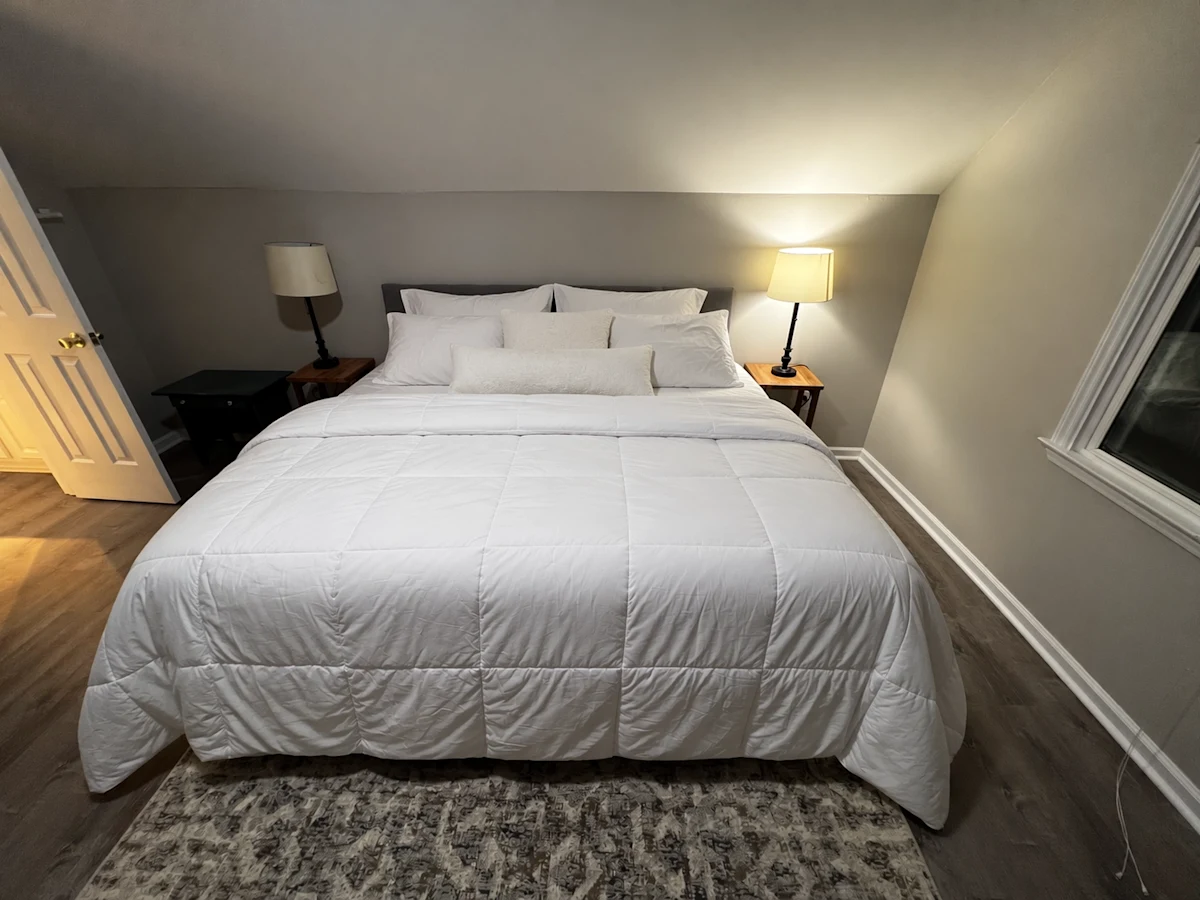
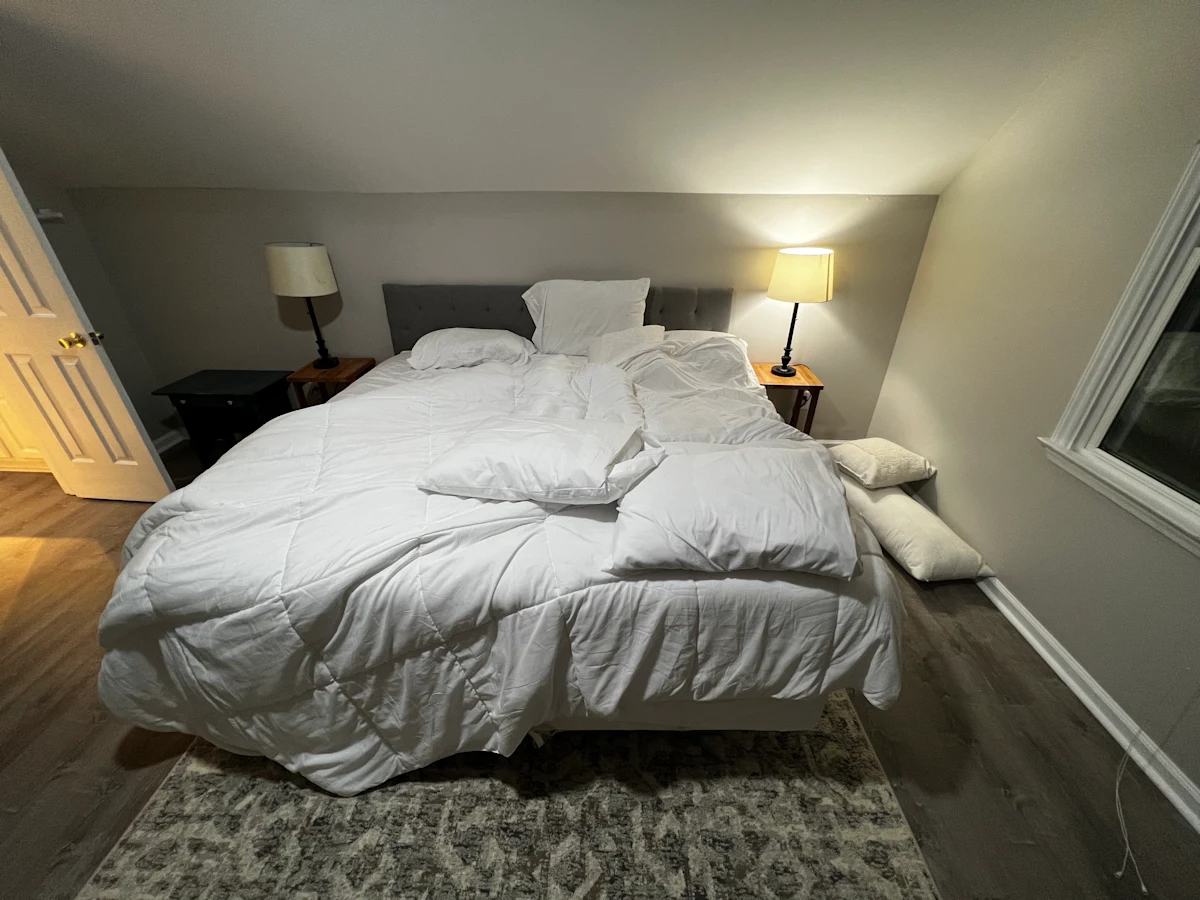
“Make the bed neatly. Keep the room layout, furniture, camera angle and daylight unchanged.”

Drag the slider to explore an official OpenAI before-and-after example.

The same bedroom with the bedding neatly arranged
Original bedroom before the bedding edit
BeforeAfter

BORROW A DIRECTION. MAKE IT YOUR OWN.

Where will you start?

Choose a starter prompt, change the subject, and give it your point of view.

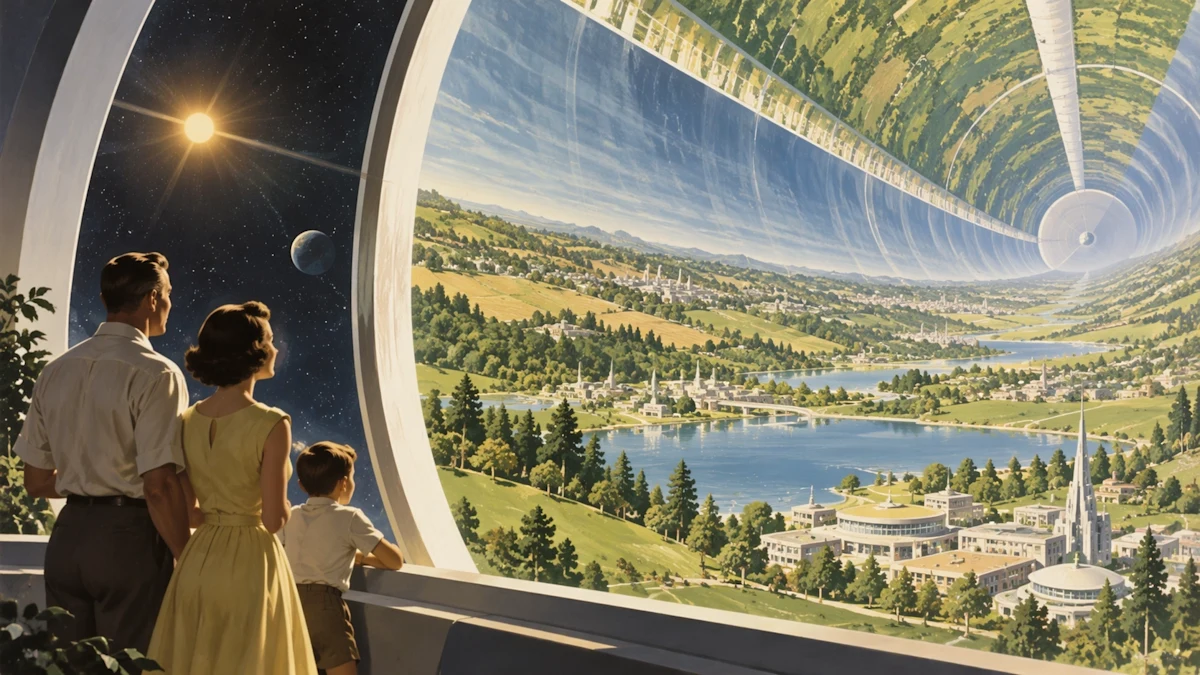
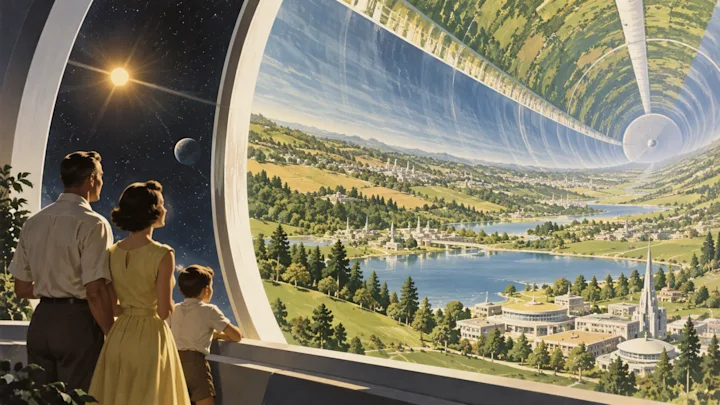
A tomorrow worth imagining

Worldbuilding

A tomorrow worth imagining

Read starter prompt

Create a cinematic retrofuturist illustration of a quiet garden town inside an enormous rotating space habitat. View it from a curved observation window, with a small family in the foreground. The landscape curves upward into the distance. Warm afternoon sun, convincing architectural scale, soft film grain, optimistic 1960s science illustration, no logos or text.
A small collection, one visual language

Graphic design

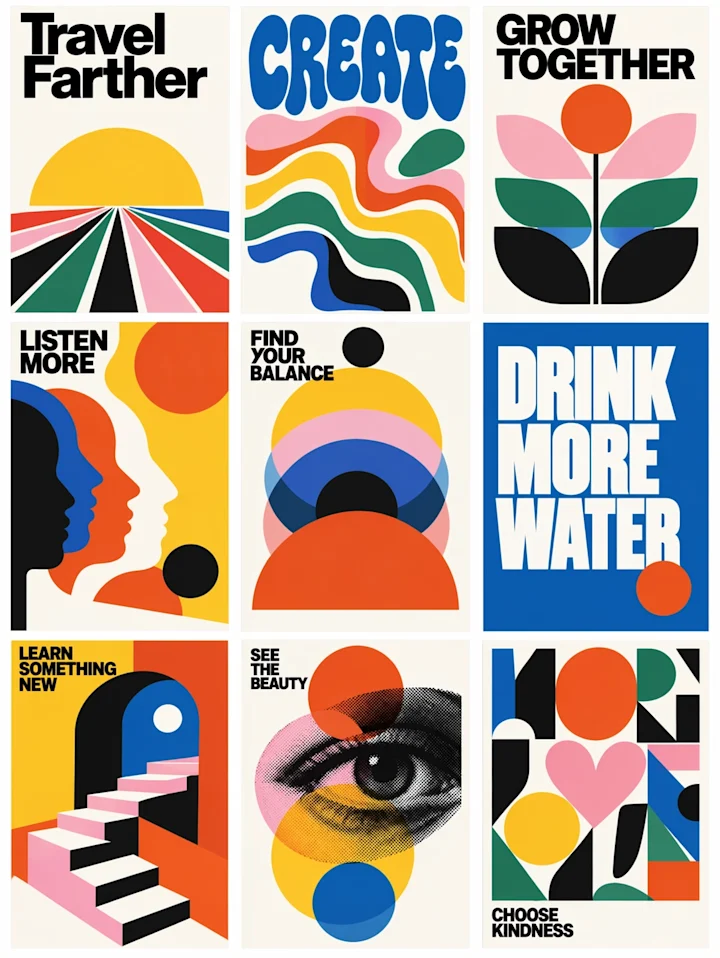
A small collection, one visual language

Read starter prompt

Design a coordinated set of three mid-century exhibition posters on a warm ivory background. Use forest green, muted coral and golden yellow, bold geometric shapes, subtle paper texture and generous margins. The headlines should read exactly: "MAKE SPACE", "STAY CURIOUS", and "GROW SLOW". Keep the type large, crisp and consistent across all three designs.

Make the words part of the design

Invitations

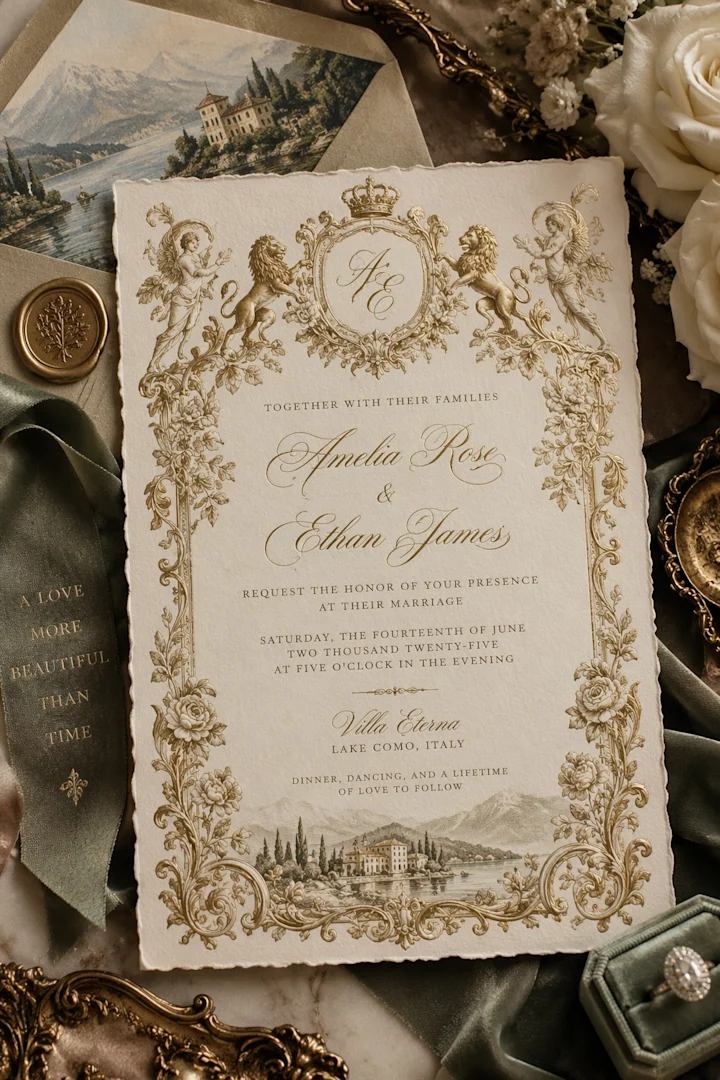
Make the words part of the design

Read starter prompt

Design an elegant botanical wedding invitation on textured cream paper, photographed straight on. An airy border of sage leaves and tiny white flowers frames clear centered typography. Exact text: "MAYA & THEO", "Together with their families", "June 12, 2027", "The Glasshouse, Portland", "Dinner and dancing to follow". Keep spelling exact, avoid extra text, and leave comfortable spacing.

Give a familiar place a new feeling

Illustration

Give a familiar place a new feeling

Read starter prompt

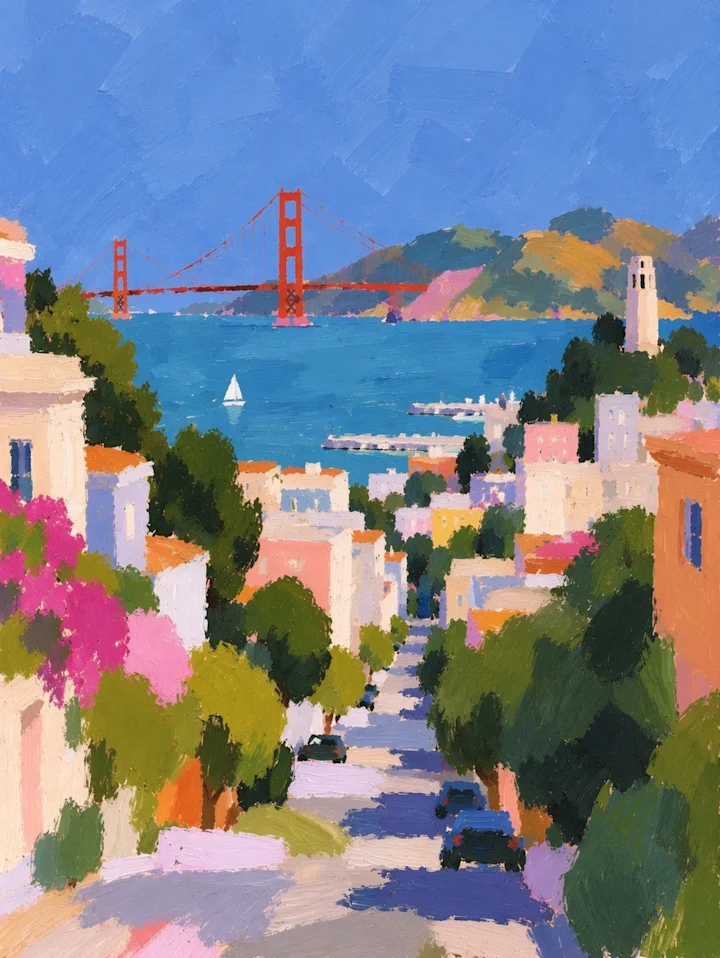
Paint a rain-washed European street at dusk in an expressive impressionist oil style. A small corner café glows warmly under cream awnings, two pedestrians share an umbrella, and the wet pavement reflects amber windows and pale blue sky. Visible brushwork, balanced warm and cool colors, soft edges, quiet atmosphere, no lettering.

Let the impossible feel believable

Concept art

Let the impossible feel believable

Read starter prompt

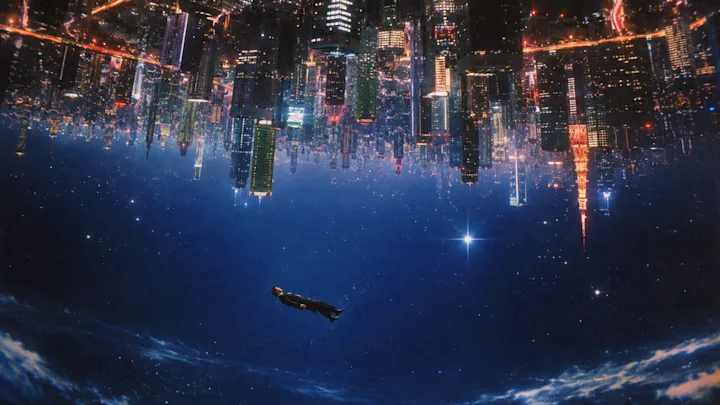
Create a surreal science-fiction landscape: a silent train platform floats above a sea of clouds, with a single traveler holding a small green suitcase. Monumental curved structures extend into the mist. Plausible materials, delicate atmospheric perspective, restrained cream and sage palette, cinematic wide composition, no text.

Build a cohesive little series

Collections

Build a cohesive little series

Read starter prompt

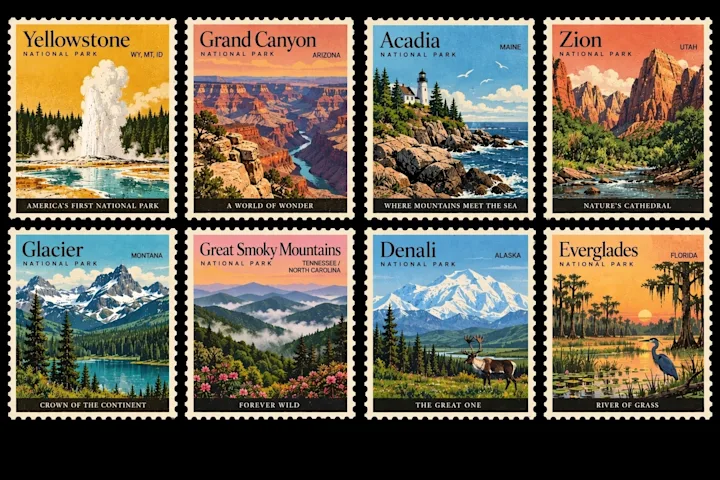
Create a sheet of six illustrated postage-style labels for fictional national parks. Give each a distinct landscape: redwood forest, alpine lake, desert arch, coastal cliffs, wildflower meadow and volcanic island. Use matching scalloped borders, limited earthy inks, vintage engraved detail and consistent layouts. Use only the title "WILD PLACES" and no real postal marks.

A cast of characters with personality

Stickers

A cast of characters with personality

Read starter prompt

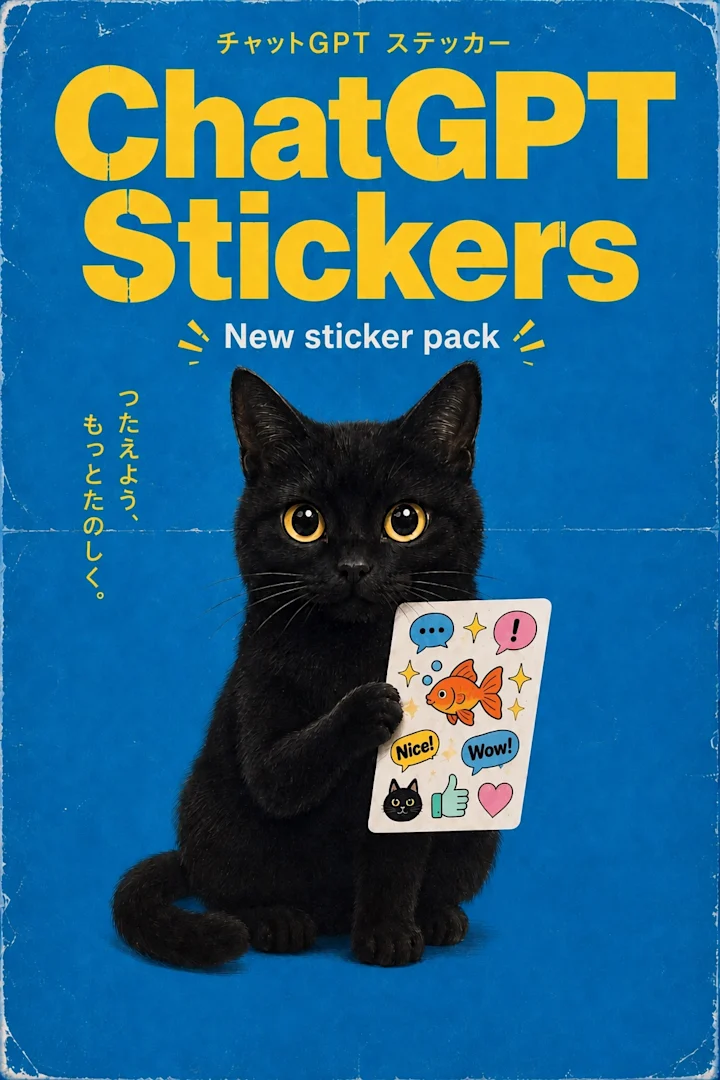
Create a sticker sheet of six cheerful garden characters: a watering can, seed packet, terracotta pot, snail, strawberry and mushroom. Bold clean outlines, mint green and warm coral accents, expressive faces, white die-cut borders, soft off-white background. Keep every sticker separate with generous spacing and no text.

A scene you can almost step into

Cinematic

A scene you can almost step into

Read starter prompt

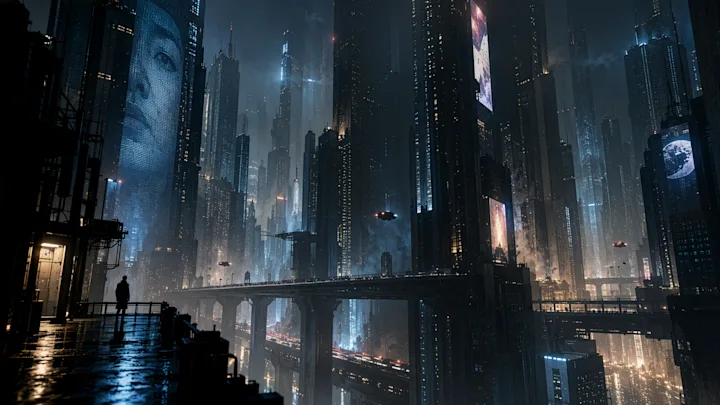
Create a cinematic still of a small noodle shop on a rain-soaked futuristic street. Seen from inside through a fogged window, a cyclist passes in the foreground. Emerald reflections, soft amber practical light, weathered metal, believable depth, subtle grain, richly detailed but readable composition. No readable signs or logos.

Official example imagery: OpenAI. Original starter prompts: Image Toolkit. Prompts suggest a creative direction and do not reproduce the source images exactly.

A LOOK AT THE MODEL

An idea can go a long way.

Watch OpenAI’s introduction to ChatGPT Images 2.5. This is the model’s official product demonstration.

Video and imagery are served from the original sources. ChatGPT features shown in the video may differ from the tools on this page. OpenAI’s announcement

CHOOSE THE DETAIL YOUR IDEA NEEDS

Clear quality. Clear credits.

Start small while you explore. Choose more detail for the version you want to keep. Flare and Sunburst use the same prices.

Standard

1K

12credits / image

15 credits with a reference

For new ideas, social images and first drafts. Medium quality.

Detailed

2K

45credits / image

50 credits with a reference

For richer textures, layouts and polished edits. High quality.

Large

4K

80credits / image

85 credits with a reference

For a larger output with room for fine detail. High quality.

Make room for a regular creative habit.

Monthly plans start at $9.99 for 1,500 credits. Prefer to buy when you need them? One-time packs start at $4.99.

Monthly plans renew until canceled. Unused paid credits roll over.

Explore plans

A few useful answers.

What can I do here?

Create an image from a written prompt, or upload one reference image and describe an edit. Choose a model, aspect ratio and output preset, then generate. Download your result or use Edit this image to make another version.

Should I choose Flare or Sunburst?

Flare is a useful starting point for everyday ideas and quick iterations. Choose Sunburst when precise instructions, reference details or a carefully controlled edit matter most. Both have the same credit prices here. Results can still vary between generations.

How many credits does an image cost?

Creating a new image costs 12 credits at Standard 1K, 45 at Detailed 2K, or 80 at Large 4K. Editing with one reference costs 15, 50, or 85 credits respectively. Each request creates one PNG. The button shows the exact cost before you generate.

Do I need a subscription?

You need a signed-in account and enough credits. Buy a one-time credit pack or choose a monthly plan. Creator is $9.99 per month for 1,500 credits; Studio is $24.99 per month for 4,000. Monthly plans renew until canceled, and unused paid credits accumulate without expiry.

Are the example prompts the original image prompts?

The gallery shows official OpenAI demonstration images. Image Toolkit wrote the starter prompts as new creative directions inspired by each style; they are not the original source prompts and will not reproduce the examples exactly.

What happens to uploads and failed generations?

Image generation runs in the cloud. Reference files are sent when you press Generate. Your files and results are private to your account and available on Image Toolkit for 24 hours. Download anything you want to keep. Failed tasks return their reserved credits automatically.

Can I keep editing the result?

Yes. Choose Edit this image under a completed result, describe the next change, and generate again. Each edit is a new paid task. This workspace accepts one PNG, JPEG or WebP reference up to 10 MB and 4,096 pixels on each side. Resize a larger result before reusing it.