Skip to content
Image Toolkit

Draw to Photo

Sketch an idea, describe the scene, and turn your composition into a photo with AI.

Cloud AI processing
10 credits / imageFLUX Kontext Pro · 1:1
0 / 6,000

Checking availability…

View credit pricing

Your sketch

Draw with a finger or mouse, upload a sketch, or try an example below.

Draw with a finger or mouse, upload a sketch, or try an example below.

Download within 24 hours. Failed tasks return credits. Downloads are free.

From a few lines to a new scene

Load the sketch and its prompt into the editor, then adjust them before generating.

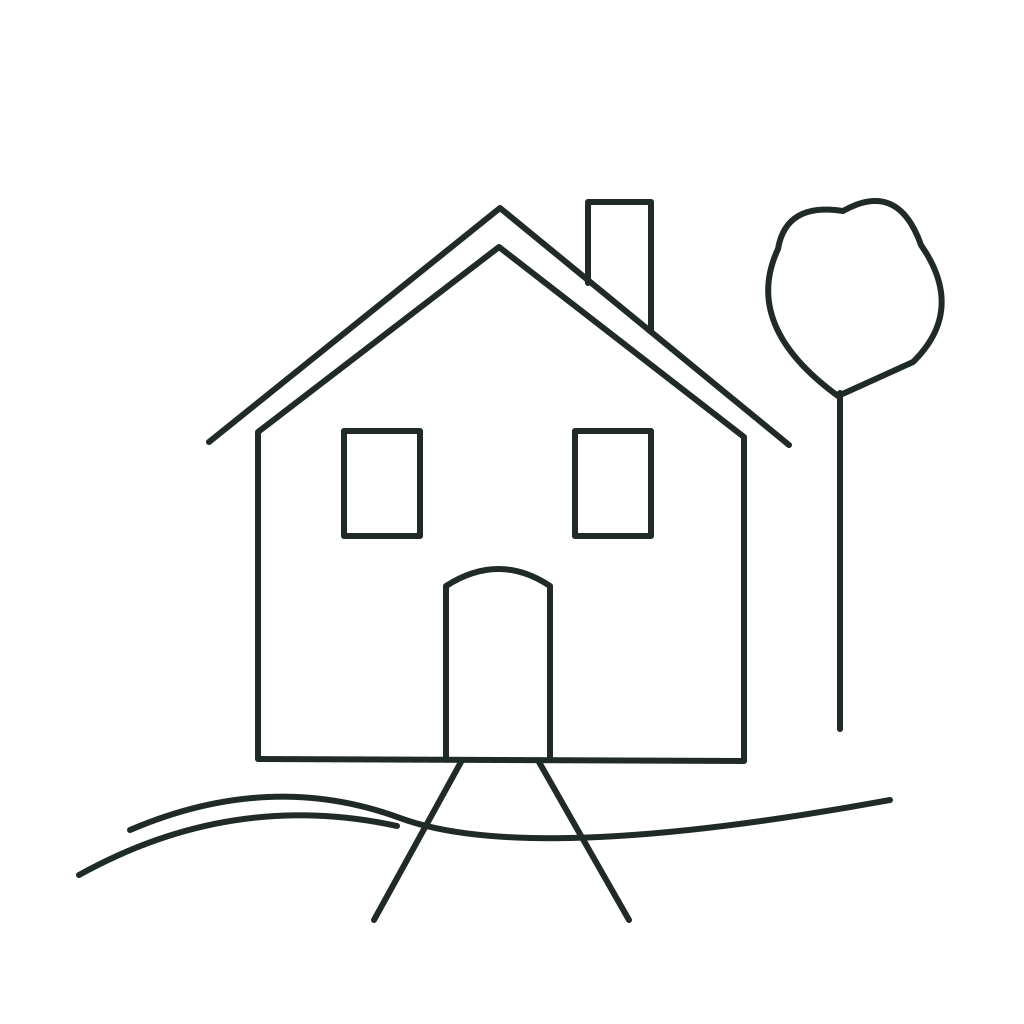
Your sketch: Garden cottage
Your sketch
Example: Garden cottage
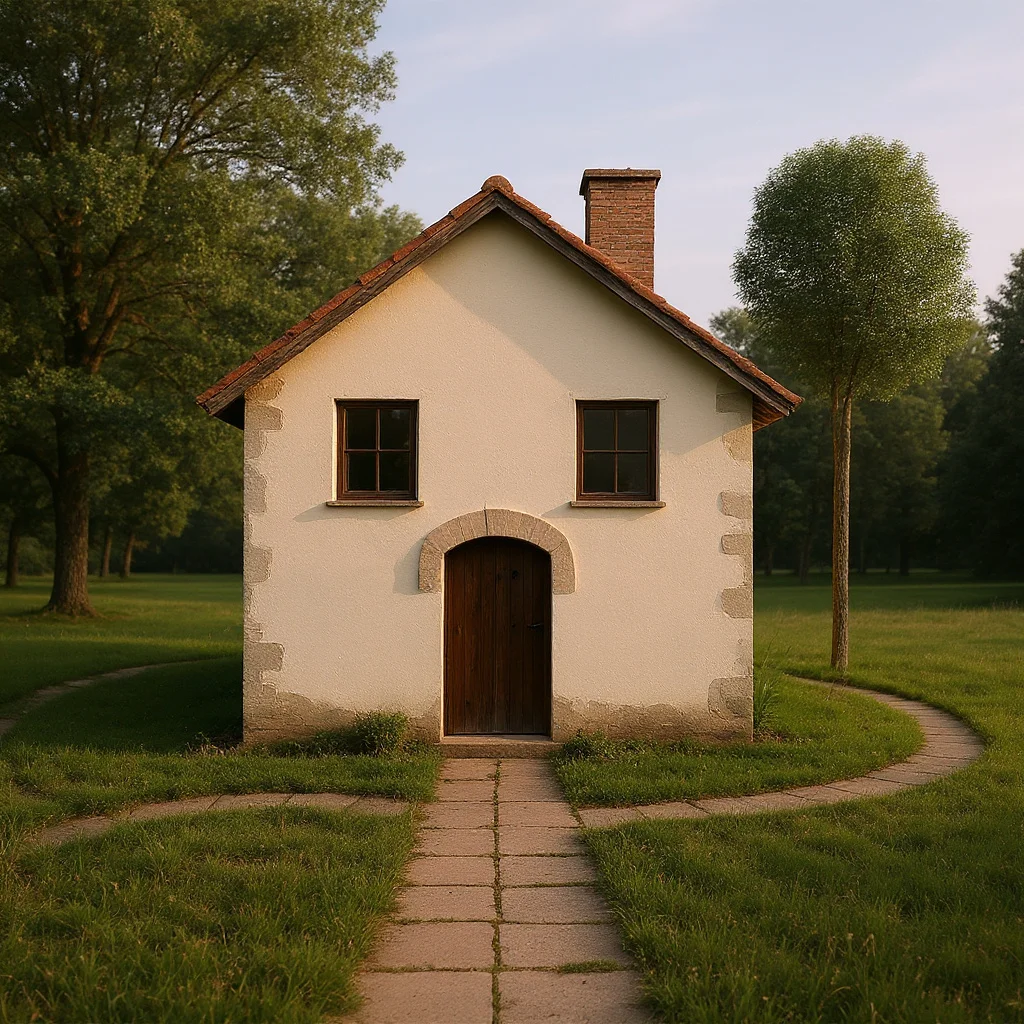
Your result

Garden cottage

Describe your image

Photorealistic architectural photograph of a small countryside cottage, matching the house shape and placement in the sketch. Cream limewashed walls, a weathered terracotta pitched roof, two square windows and one arched wooden front door. A leafy tree stands to the right, a gently curving stone path leads to the door, low meadow grass in the foreground. Soft late-afternoon light, natural materials, warm quiet atmosphere, realistic texture, no outlines, no drawing, no text.
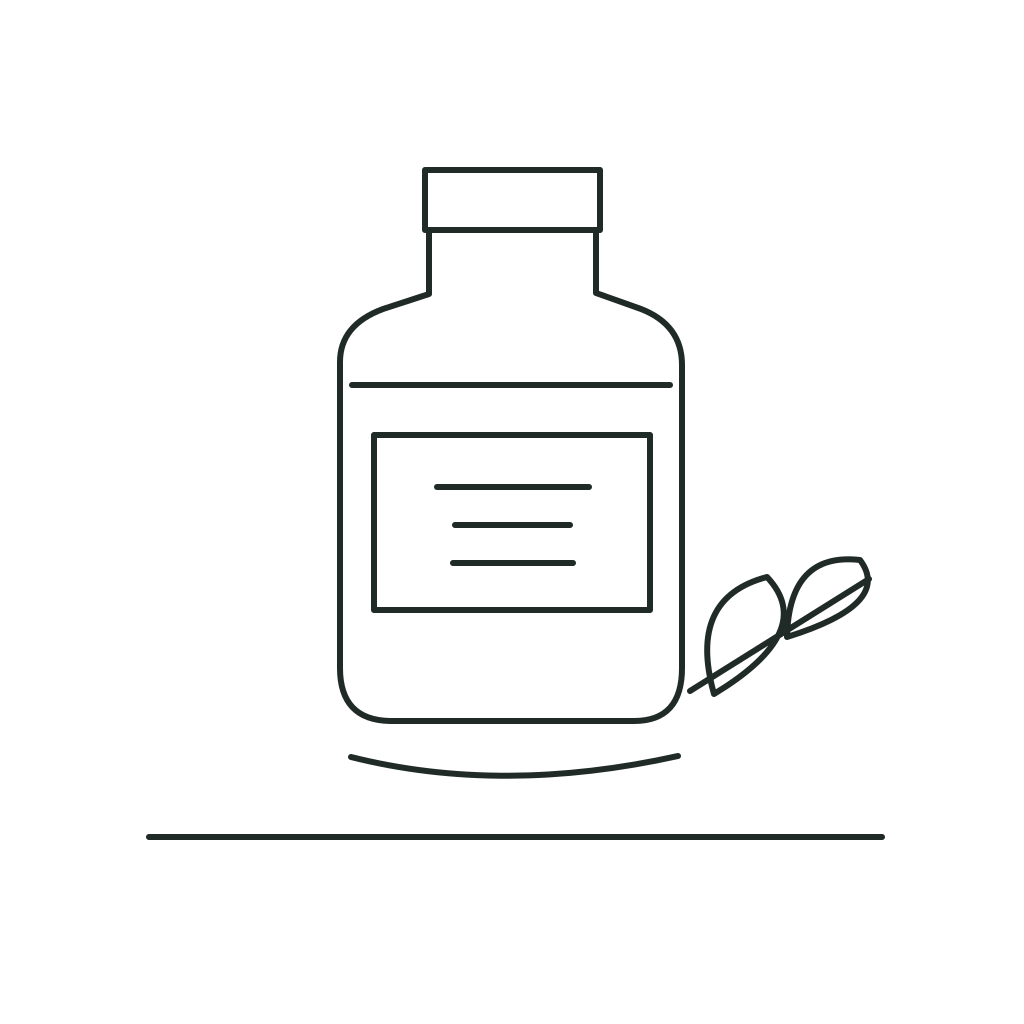
Your sketch: Botanical perfume
Your sketch
Example: Botanical perfume
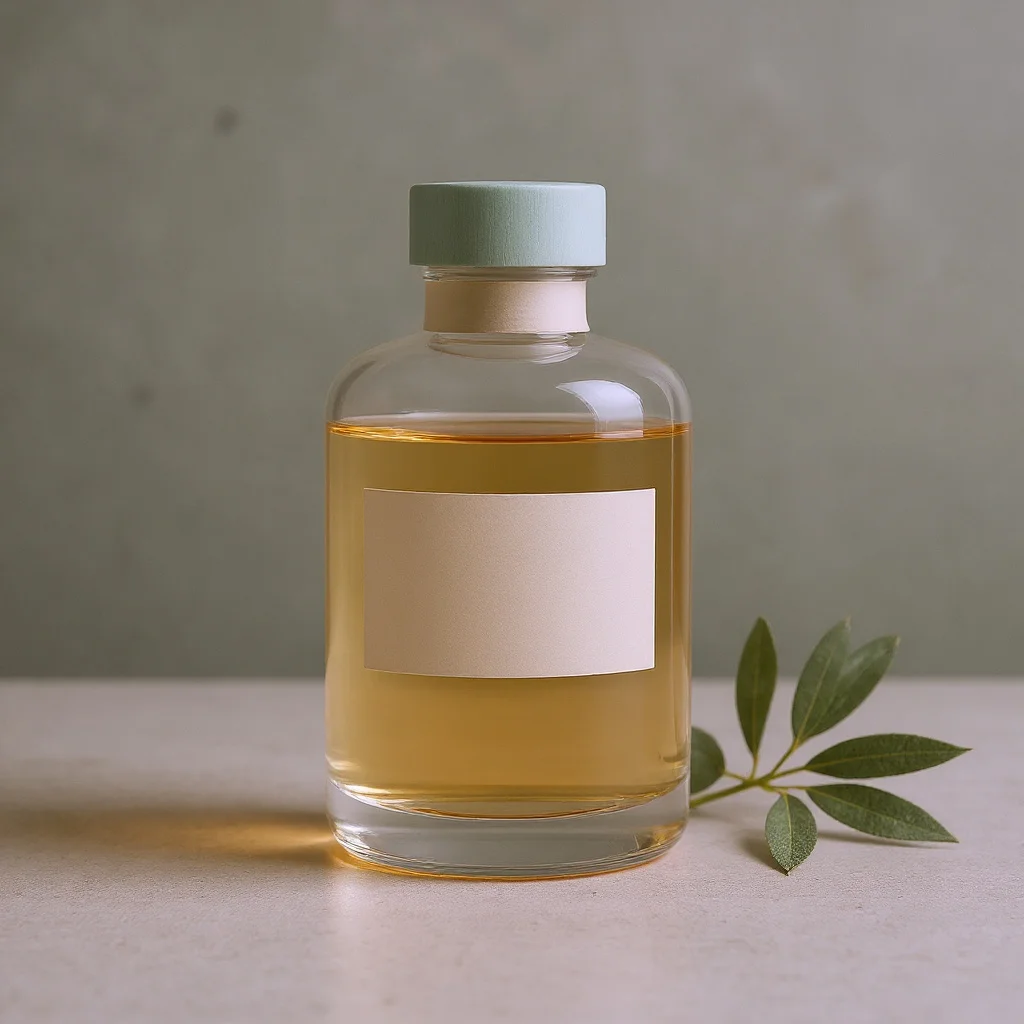
Your result

Botanical perfume

Describe your image

Photorealistic luxury product photograph, follow the bottle outline and composition of the sketch. A rectangular clear glass perfume bottle with softly rounded shoulders and a pale sage green cylindrical cap, translucent light amber liquid, a minimalist cream paper label with no text. The bottle stands on a pale limestone surface, an olive branch rests diagonally on the right. Soft diffused studio daylight from the left, delicate glass reflections, pale warm green background, premium editorial photography, no line art, no drawing.

Examples are inspiration. Each generation can produce a different result.

Good to know

When are credits used?

Credits are reserved only after you choose Generate. A failed task restores them automatically. Reusing or editing a prompt costs nothing.

How do I get a better result?

Describe the subject, materials and lighting. For sketches, use clear shapes and leave space between objects. AI follows the composition approximately; it may change fine details.

Where are my files processed?

Drawing and prompt editing happen in your browser. Generation uses cloud processing. Download results you want to keep; task content on Image Toolkit expires after 24 hours.

Which model and output do I get?

Draw to Photo uses FLUX Kontext Pro. Each task creates one square image at about 1 megapixel. Your sketch guides the composition; fine details may change.

AI Image Prompt Generator