
01 · Add your collection
Add up to 20 product images. Choose local AI background removal or start with transparent cutouts.
Publish-ready images / 02
A consistent look for your entire product collection. Remove backgrounds, add a soft shadow, and export your photos together at the right size.
Consistent photos, one export
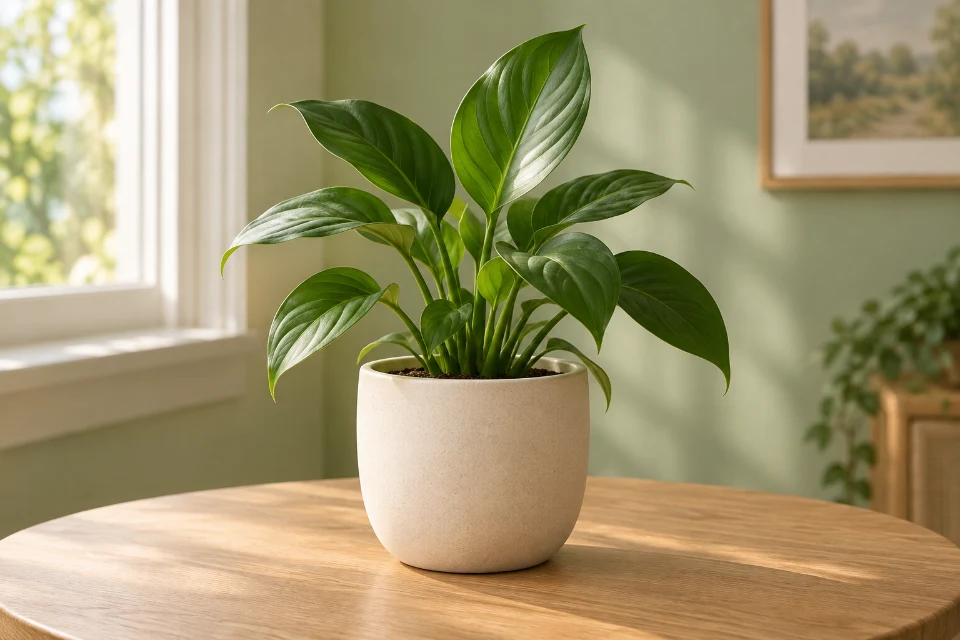 →
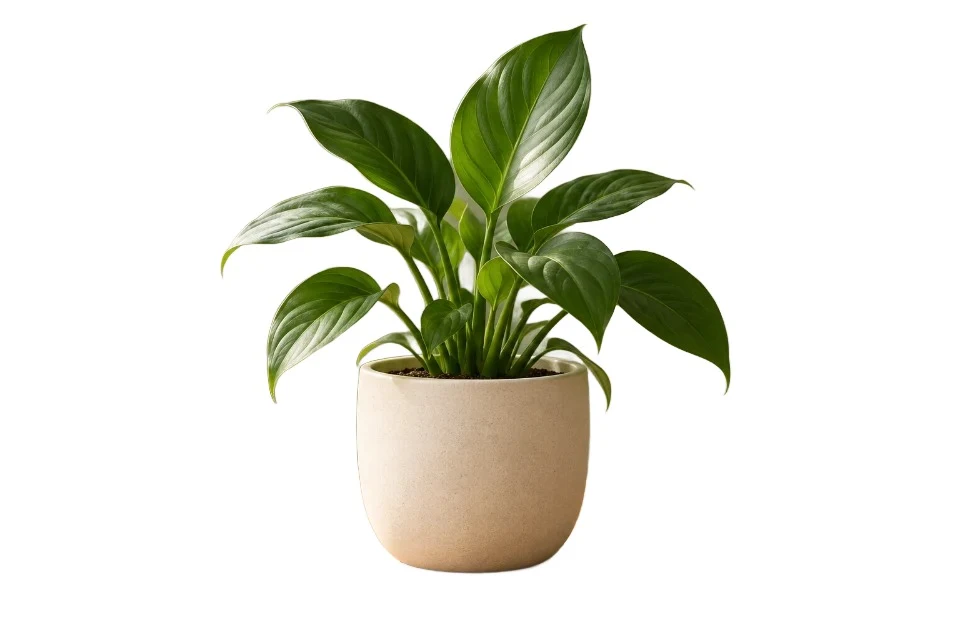
Remove backgrounds, frame every product, and apply the same export settings to the whole batch.
Add up to 20 product images. Choose local AI background removal or start with transparent cutouts.
Pick a canvas preset, background, subject spacing and shadow. Images are fitted without stretching.
Compare original and exported photos. Download successful files together, with a manifest of the batch.
Resizing and editing create new files. Keep the source image, preserve necessary attribution and disclose AI use where required.
Explore image provenance and privacy · Inspect a file’s metadata
No. The browser downloads a background removal model when needed and processes photos on your device. Source photos and generated files are not uploaded. Large batches may take longer on phones.
Yes. Turn off AI background removal to keep the existing cutouts. The exporter finds their visible bounds, fits them into your canvas with padding, and applies your background and shadow settings.
No. Presets reuse our existing Amazon, Shopify, Etsy and eBay canvas sizes. Image rules can vary by category, region and placement. Review the current destination rules, background, product framing and any added shadow before publishing.
Other images continue processing. Failed images show their own error and can be retried. The ZIP contains completed images only; its manifest lists any omitted files. Changing the recipe clears earlier results so exports stay consistent.
Review fine edges, transparent materials and reflections. For a photo that needs manual attention, open the individual Background Remover, refine its mask, export a transparent cutout and add it here with AI removal turned off.
Generate responsive website assets · Batch Image Editor · Background Remover