
Posters and text rendering
Create posters, thumbnails and social graphics. Put short, exact text in quotes and specify its position. Check small lettering before publishing.
Generate images from text or edit a reference image with Google’s Nano Banana 2.1. Choose 1K, 2K or 4K output.
Sign in to get 20 free credits
Once per account · Enough for 1 image at 1K without search · No credit card required
20 welcome credits, once per account. Each image uses credits.
Checking availability…
View credit pricingLoading preview…
Nano Banana 2.1 example image. Your generated image will appear here.
Download within 24 hours. Failed tasks return credits. Downloads are free.
Create posters, thumbnails and social graphics. Put short, exact text in quotes and specify its position. Check small lettering before publishing.
Upload a reference and change the setting, lighting or visual style. Specify which shapes, colors and product details to preserve.
Choose from 14 aspect ratios, including 8:1 banners and 1:8 vertical artwork. Start at 1K; choose 2K or 4K for larger output.
Upload a product photo and describe the background, lighting or style to change. Specify details to preserve, such as its shape, label and color.
Place this product on a sunlit stone shelf. Keep its silhouette, label, color and proportions unchanged. Use soft shadows and leave space for a headline.
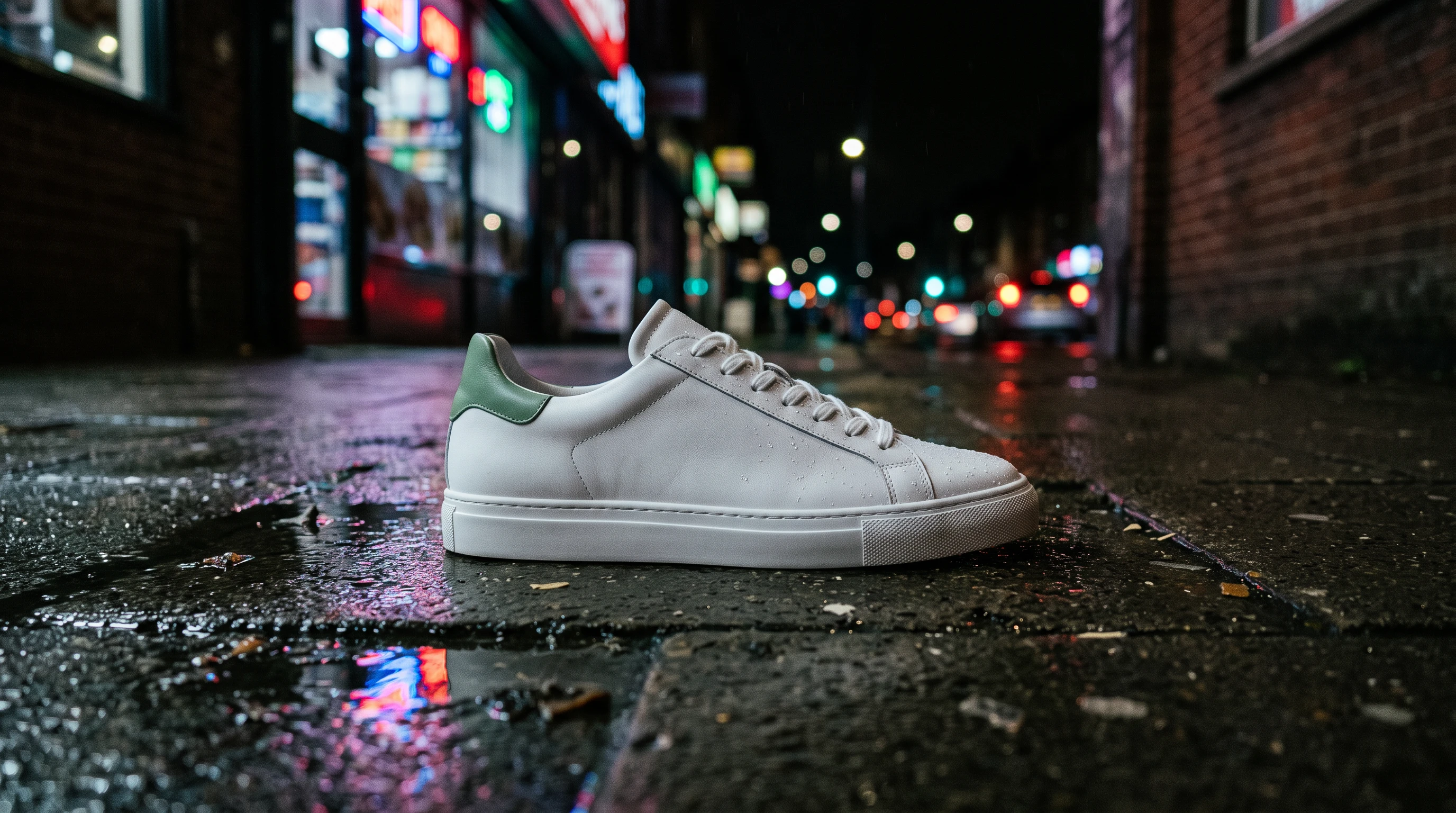
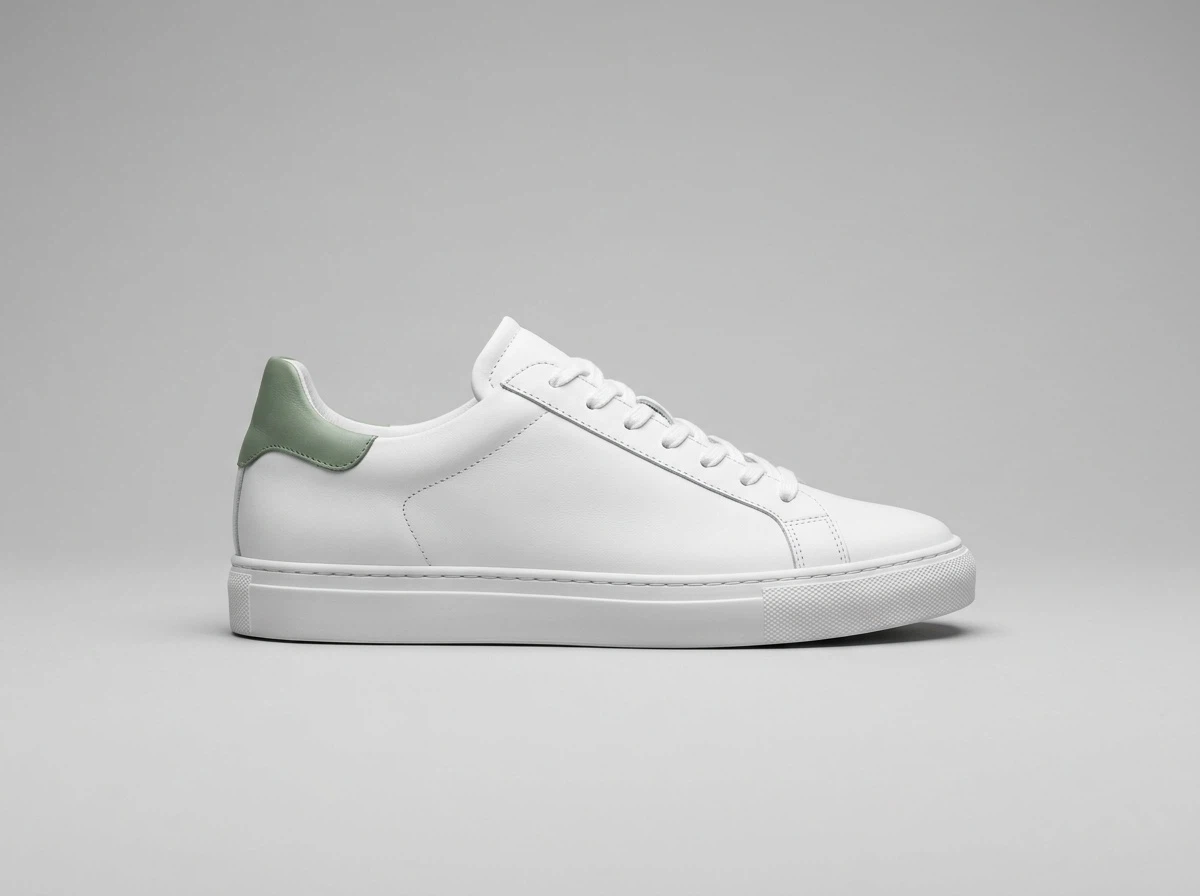
Product background editing with Nano Banana 2.1. Results vary with the reference and prompt.
Choose a starter prompt and edit it to describe the image you want.
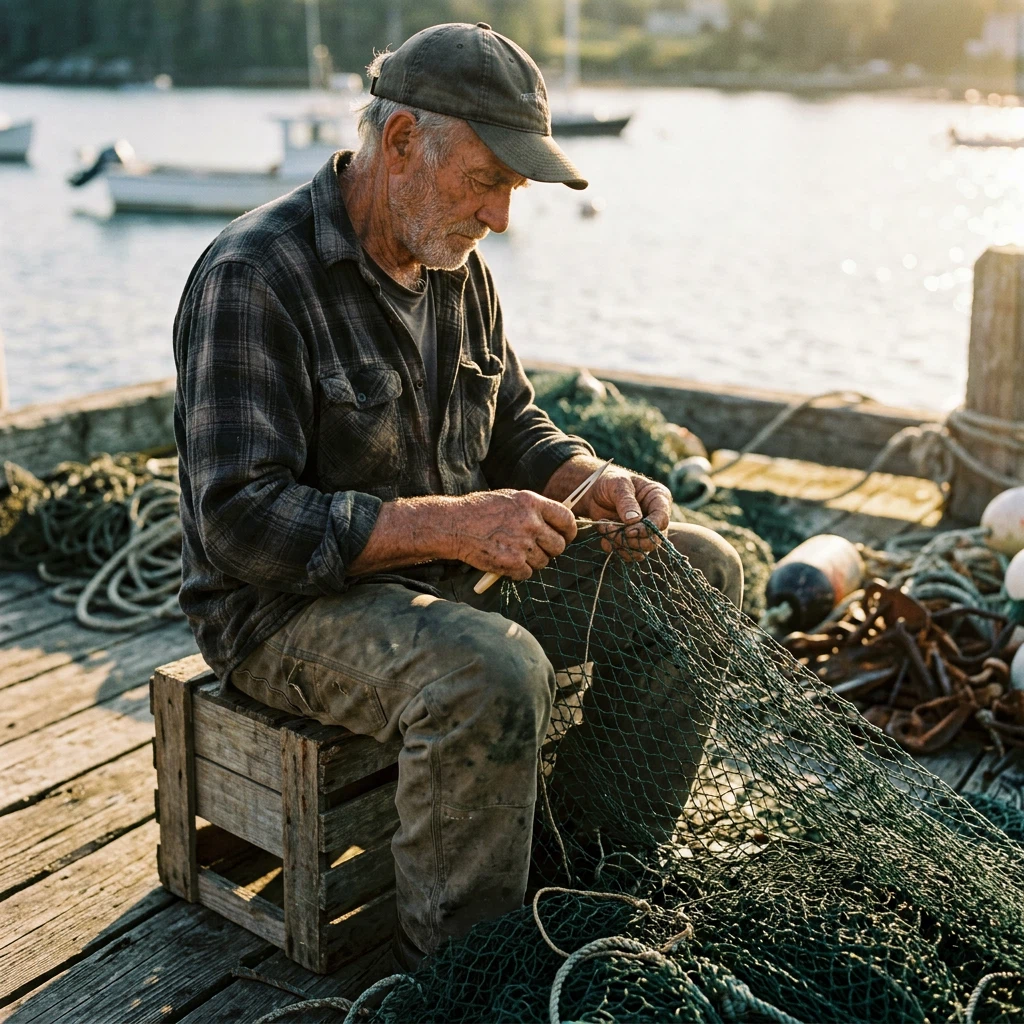
Photograph a retired boat builder outside a small coastal workshop. Frame the face and hands, with a softly blurred harbor behind. Use late-afternoon sidelight, honest skin texture and a quiet documentary mood. Muted blue and warm amber palette. No text.
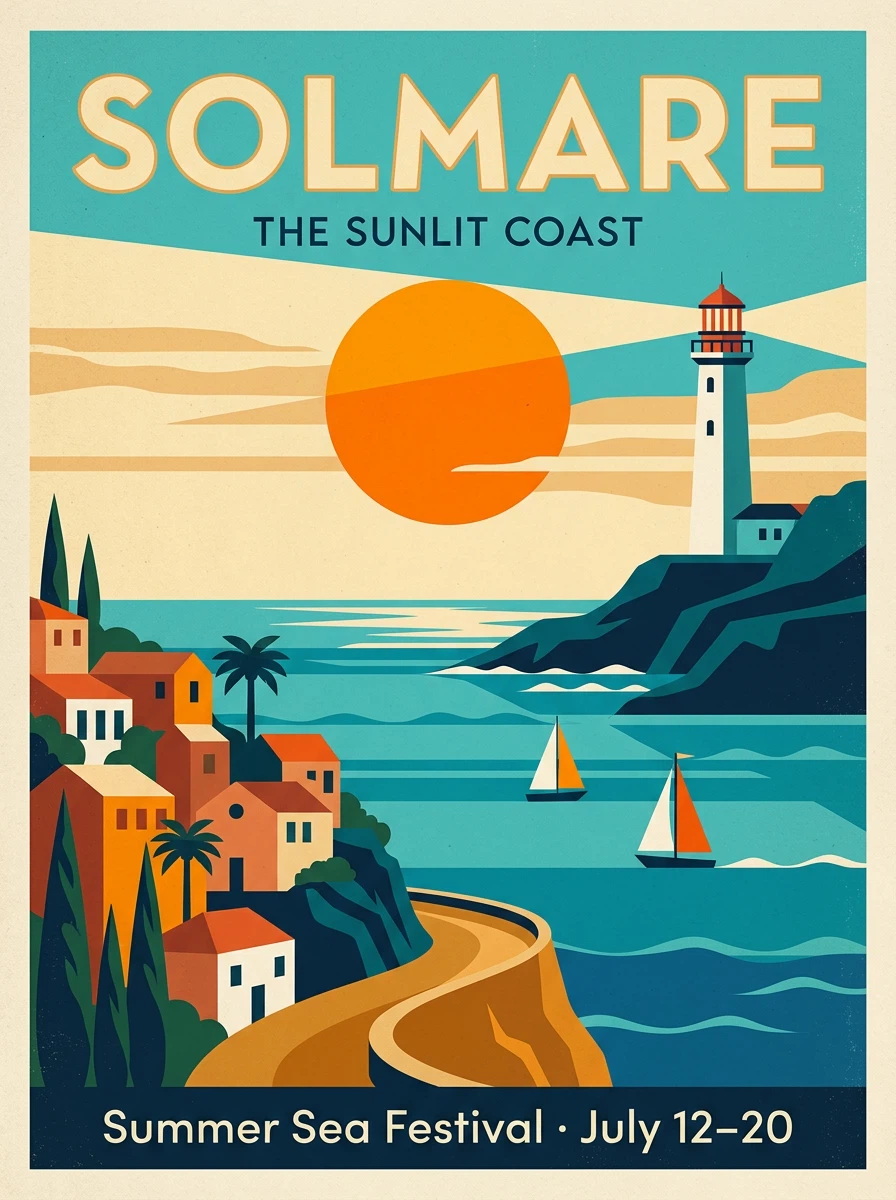
Design a vintage seaside poster for the fictional town of PORTO LUNA. Show a curved bay, striped beach umbrellas and a small orange sailboat using bold geometric shapes. Place the exact headline "PORTO LUNA" at the top and "Find your summer" at the bottom. Ivory paper, ocean blue and coral red. Leave generous breathing room around the lettering.
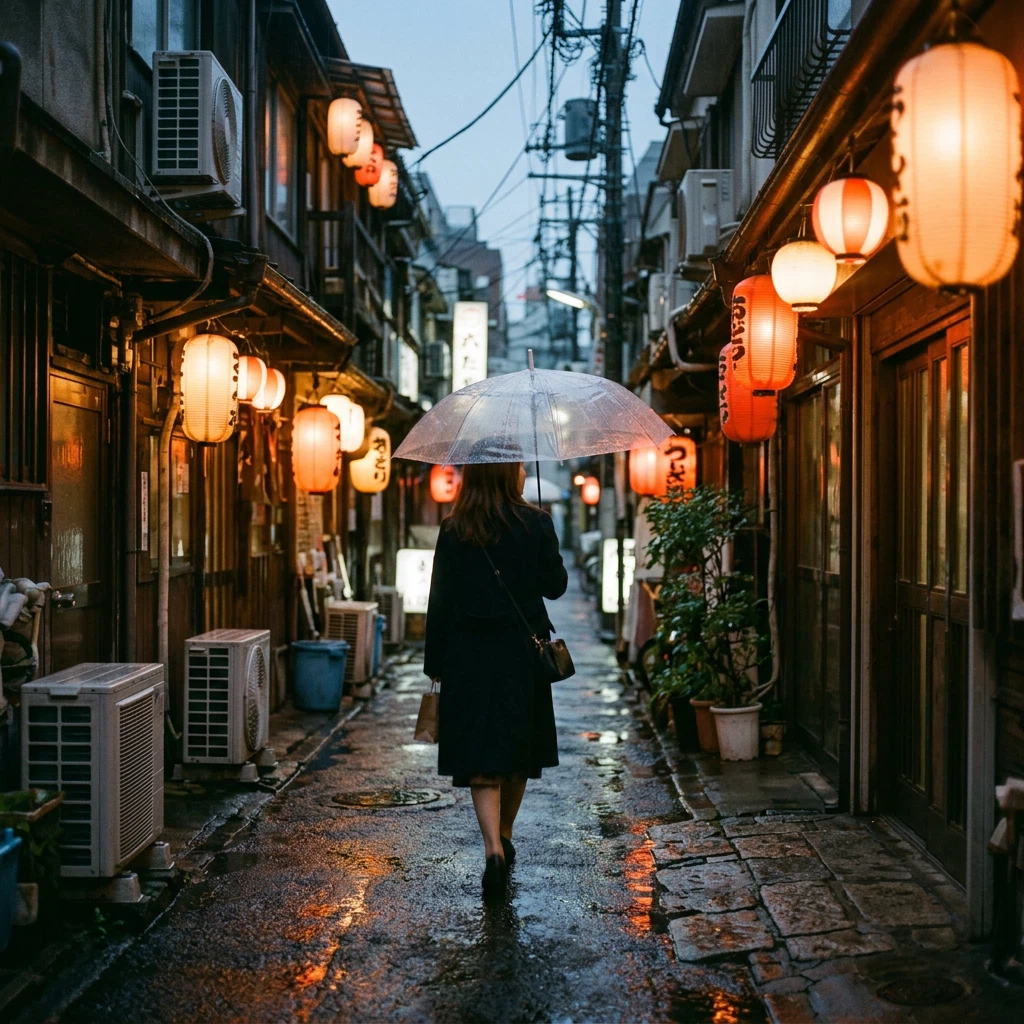
Create an atmospheric street photograph just after a rainstorm. A traveler with a translucent umbrella passes a tiny tea shop. Reflected amber light stretches across the pavement, with cool blue shadows in the distance. Eye-level composition, natural movement and restrained film grain. No legible signs.
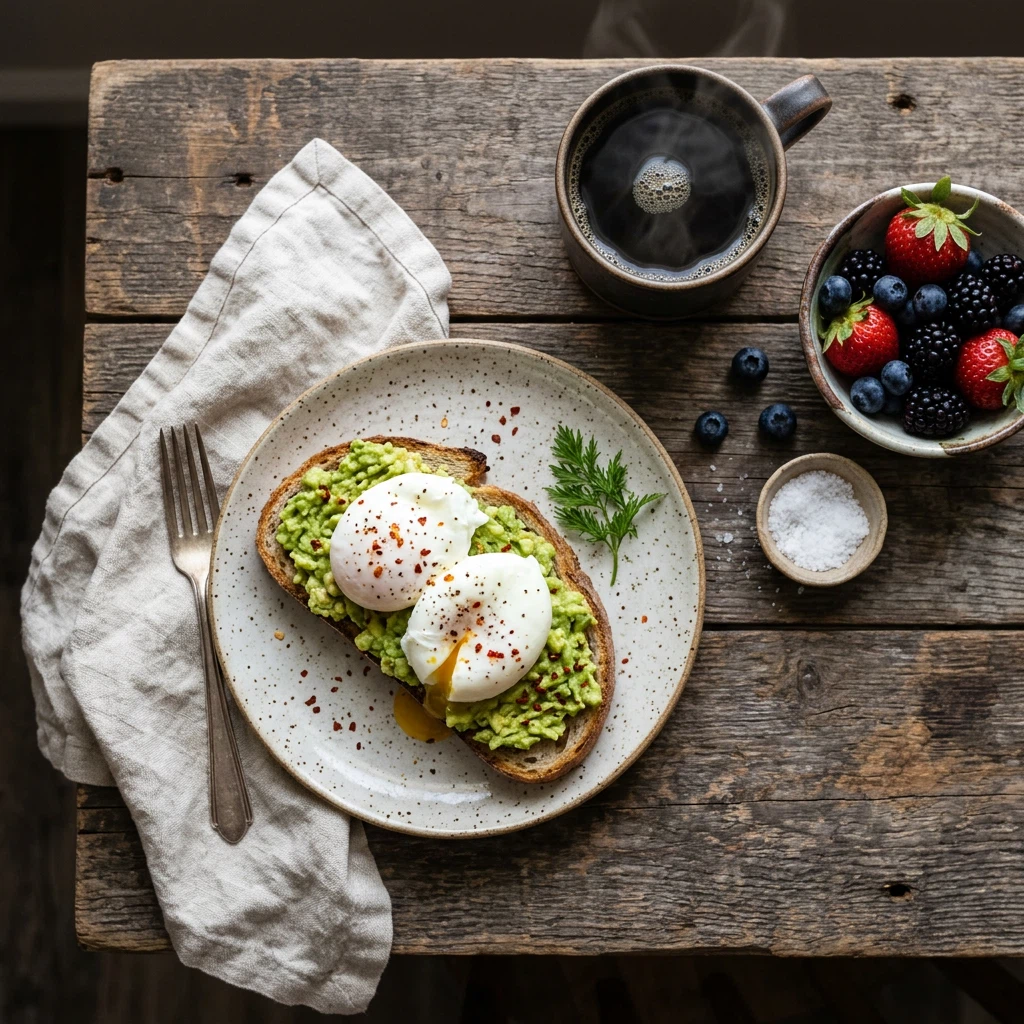
Style an editorial breakfast photograph on a pale oak table: a ceramic plate with ricotta toast and sliced figs, a small espresso and a folded linen napkin. Shoot from directly above. Let morning window light reveal the food textures. Keep the upper-right corner uncluttered for a headline added later.
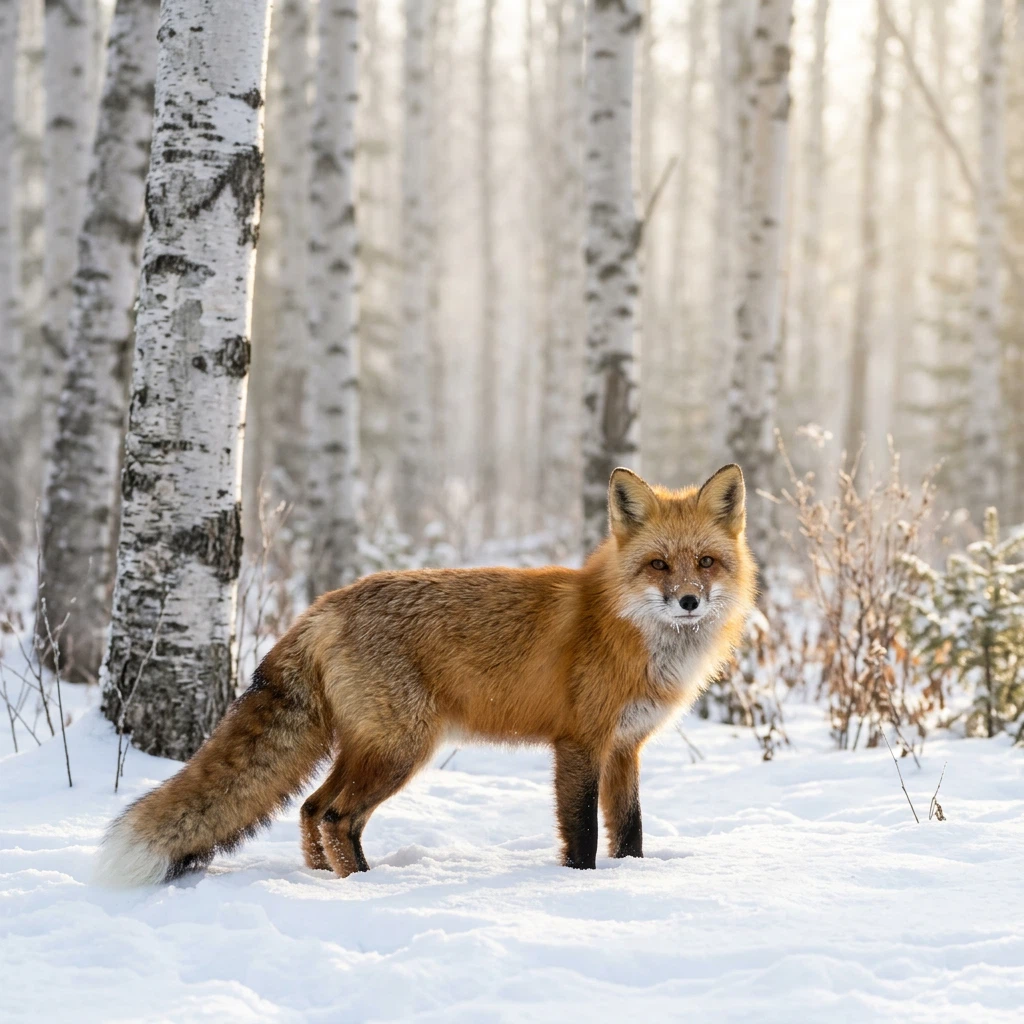
A wildlife photograph of a red fox pausing beside a snow-covered fallen branch. Soft overcast light, a pale woodland background, individual strands of fur and a few tiny snowflakes on its ears. Place the fox slightly off-center and keep the scene calm and believable.
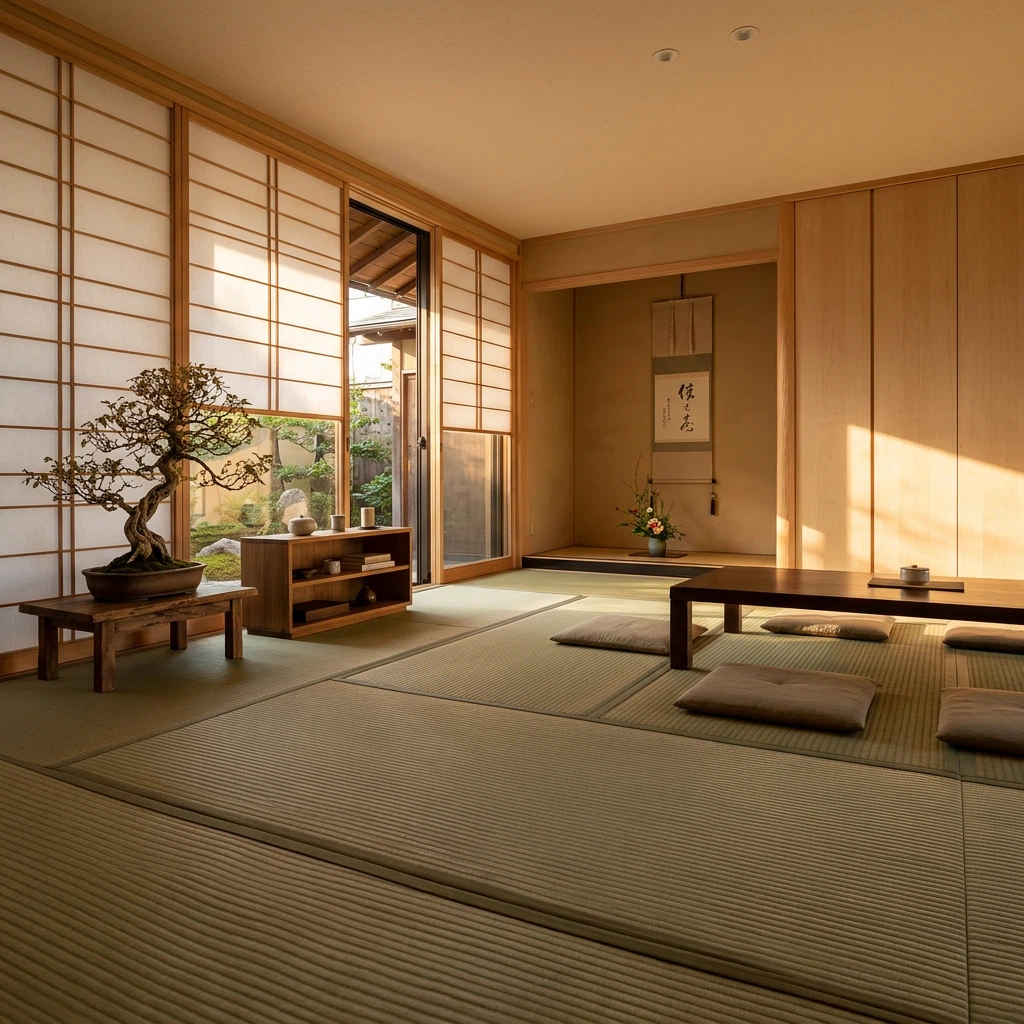
Photograph a quiet reading room with warm timber, woven floor mats, one low armchair and a ceramic vase holding a single branch. Soft sunlight enters from the left. Emphasize the grain of the wood and the texture of the fabric. Balanced architectural composition, no people and no text.
These images demonstrate Nano Banana 2.1. Image Toolkit wrote the starter prompts; they differ from the original image prompts and will produce different results.
Use web search for information or image search for visual references to real places, objects and species. Both are off by default.
Each option adds a separate charge. Check facts, names and labels in generated images.
The same price for a new image or an edit with one reference. One PNG per request. The workspace shows the total including optional search.
20credits / image
Create or edit · same price
For exploring ideas, thumbnails and everyday social images.
30credits / image
Create or edit · same price
For larger layouts, product visuals and more room for detail.
50credits / image
Create or edit · same price
For large artwork, wide banners and final compositions.
After using your welcome credits, packs start at $4.99 for 500 credits: 25 images at 1K without search. Monthly plans start at $9.99 for 1,500 credits.
Monthly plans renew until canceled. Unused paid credits roll over without expiry.
Google’s October 2026 update focuses on text, visual design and editing consistency. DeepMind identifies Gemini 3.6 Flash as its foundation. Check small text, layouts and factual details before publishing.
Generate, edit one reference, choose from 14 aspect ratios and add search grounding. This workspace does not offer multiple references, Thinking settings or batch generation.
Google’s image generation and editing model, released in October 2026. Its Gemini API name is gemini-nano-banana-2.1. DeepMind describes it as based on Gemini 3.6 Flash.
Yes. Sign in with Google to receive 20 welcome credits once per account, enough for 1 1K image without search. No credit card is required. Repeated sign-ins do not grant more credits; further images require an available credit balance.
1K costs 20 credits, 2K costs 30 and 4K costs 50. Editing with one reference costs the same. Web search and image search each add 5 credits. The button shows the full cost before submission.
Yes. Select Edit an image and upload one PNG, JPEG or WebP, up to 10 MB and 4,096 pixels per side. Edit this image reuses a result as a reference. Resize larger results first. Each edit uses credits.
The model supports up to 14 references: at most four characters and ten objects. This workspace accepts one reference per edit and does not expose Google’s minimal, medium or high Thinking settings.
Web search supplies information; image search supplies visual references for real subjects and places. Both are optional and charged separately. Search does not guarantee factual accuracy.
Google reports improvements over Nano Banana 2 in text rendering, visual quality, subject consistency and editing. Some internal benchmarks favor 2.1 over Pro. Compare your own prompts and references; results vary.
The gallery and comparison show Nano Banana 2.1 examples. Image Toolkit wrote new starter prompts, which will not reproduce the examples exactly.
Processing runs in the cloud; references are sent when you generate. Files are private to your account and available for 24 hours. Download what you need. Failed tasks restore credits. Google-generated images include an invisible SynthID watermark.