
Material detail
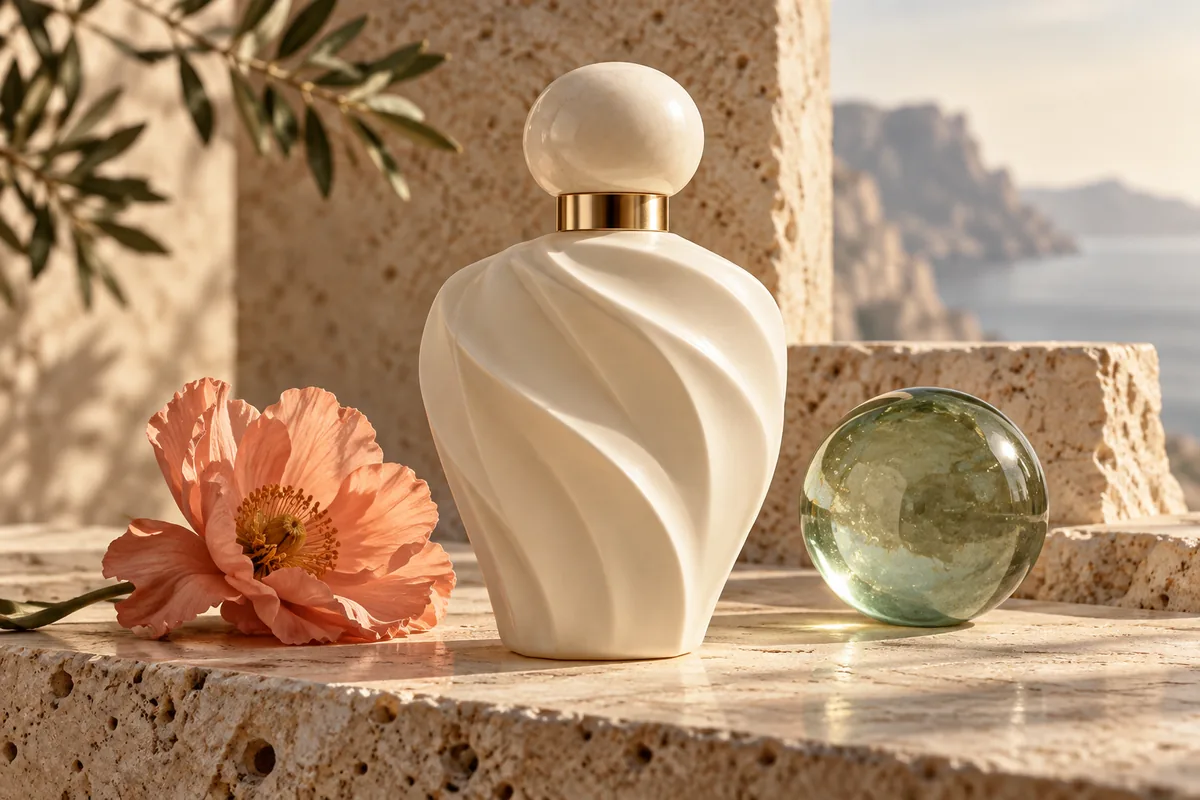
An ivory ceramic perfume bottle with a rounded cap on travertine stone, a translucent green glass sphere beside it, soft side light, realistic product photography, no labels.
Create images from written descriptions with FLUX.1 Dev. Adjust size, guidance and steps in the official demo’s Advanced Settings. Free use is subject to Hugging Face GPU quotas.
FLUX.1 Dev is a 12-billion-parameter text-to-image model from Black Forest Labs. It uses guidance distillation and is a separate model from the few-step FLUX.1 Schnell checkpoint.
The embedded demo defaults to 28 steps and guidance 3.5. It provides dimensions and seed controls, making it useful for comparing composition, lighting and material descriptions across prompts.
This interface accepts text rather than an uploaded image. Use FLUX.1 Kontext for image editing. The Dev model uses its own license; do not assume the Schnell model’s license also applies to Dev.
Enter a prompt with concrete details about objects, materials, composition and light. Avoid conflicting instructions.
Start at 1024 × 1024, guidance 3.5 and 28 steps. Keep the seed fixed when evaluating a prompt revision.
Select Run. Wait for any GPU queue, review the image and use the result’s download control to save it.
Copy an example into the prompt field, then change the subject, colors or style to fit your request.
An ivory ceramic perfume bottle with a rounded cap on travertine stone, a translucent green glass sphere beside it, soft side light, realistic product photography, no labels.
A modern timber reading room overlooking a misty pine forest, floor-to-ceiling windows, one cream lounge chair, realistic architectural photography, overcast light.
A detailed watercolor study of three olive branches on warm off-white paper, visible paper grain, restrained green palette, balanced botanical composition, no text.
Inputs, generation settings, account requirements and troubleshooting.
The public demo can be used within its Hugging Face GPU allowance. Free use is limited by the hosting provider’s quotas and shared capacity; it is not unlimited. Image Toolkit does not sell credits for this embedded tool.
They are separate checkpoints. Schnell is designed for 1–4 steps, while this Dev demo defaults to 28 and exposes a guidance control. Their model licenses also differ.
Width and Height each range from 256 to 2048 pixels, with 1024 × 1024 as the default.
No. This particular demo has a text prompt but no reference-image upload. Use a dedicated editing tool for that workflow.
No Image Toolkit account or API key is needed to open the tool. Hugging Face may require sign-in to generate images and controls the available GPU allowance. Follow the access message inside the demo.
The Space may be starting, busy or temporarily unavailable, or your GPU allowance may be exhausted. Check the message inside the tool. Select Reload if the frame is blank; wait for the provider’s quota reset if your allowance has run out.
They are sent to the black-forest-labs/FLUX.1-dev Space on Hugging Face. The host’s processing and retention rules apply. This tool does not process your inputs locally in your browser.
Browse all free AI image tools