
Product photography prompt
A cream ceramic coffee cup on a pale mint pedestal, soft morning window light, subtle shadows, minimal studio product photography, no text.
Generate images from text with FLUX.1 Schnell. Set the image size and seed in Advanced Settings. Free use is subject to Hugging Face GPU quotas.
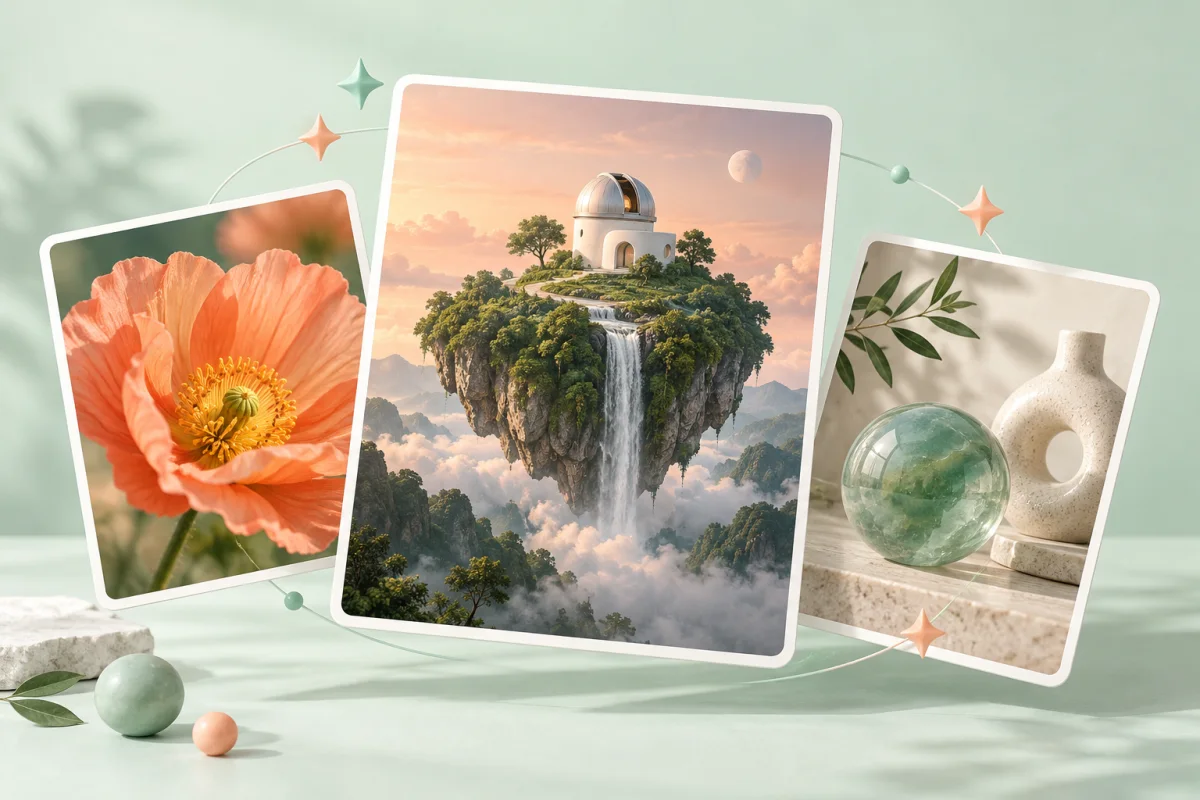
FLUX.1 Schnell is a 12-billion-parameter text-to-image model developed by Black Forest Labs. It is designed to generate images in 1–4 inference steps. The embedded demo uses 4 steps by default.
This official demo accepts a text prompt and offers width, height, seed and inference-step controls. It does not accept an uploaded photo for editing. Use it for product-image concepts, landscapes and illustrations described in words.
A low step count reduces model computation, but the public demo shares GPU capacity with other visitors. Queue time and account quotas still affect how long a request takes.
Describe the subject, setting, lighting and visual style. Keep the first attempt focused on one scene.
Use the default 1024 × 1024 size or change Width and Height in Advanced Settings. Keep the same seed when comparing prompt changes.
Select Run. When the image appears, use its download control to save it. Check any queue or quota message in the tool.
Copy an example into the prompt field, then change the subject, colors or style to fit your request.
A cream ceramic coffee cup on a pale mint pedestal, soft morning window light, subtle shadows, minimal studio product photography, no text.
A tiny white observatory on a floating green island, a waterfall disappearing into clouds, warm peach sunset, wide cinematic composition, detailed fantasy illustration.
A small orange fox reading a book beside a rainy window, cozy knitted blanket, warm lamplight, textured children's book illustration, no lettering.
Inputs, generation settings, account requirements and troubleshooting.
The public demo can be used within its Hugging Face GPU allowance. Free use is limited by the hosting provider’s quotas and shared capacity; it is not unlimited. Image Toolkit does not sell credits for this embedded tool.
Width and Height each range from 256 to 2048 pixels in increments of 32. The default is 1024 × 1024. Larger images can require more GPU time.
Start with 4, the demo’s default. FLUX.1 Schnell is designed for 1–4 step generation, although the interface allows higher values.
This demo has no photo upload input. Choose Qwen Image Edit or FLUX.1 Kontext to modify an existing image.
No Image Toolkit account or API key is needed to open the tool. Hugging Face may require sign-in to generate images and controls the available GPU allowance. Follow the access message inside the demo.
The Space may be starting, busy or temporarily unavailable, or your GPU allowance may be exhausted. Check the message inside the tool. Select Reload if the frame is blank; wait for the provider’s quota reset if your allowance has run out.
They are sent to the black-forest-labs/FLUX.1-schnell Space on Hugging Face. The host’s processing and retention rules apply. This tool does not process your inputs locally in your browser.
Browse all free AI image tools