
Detailed miniature
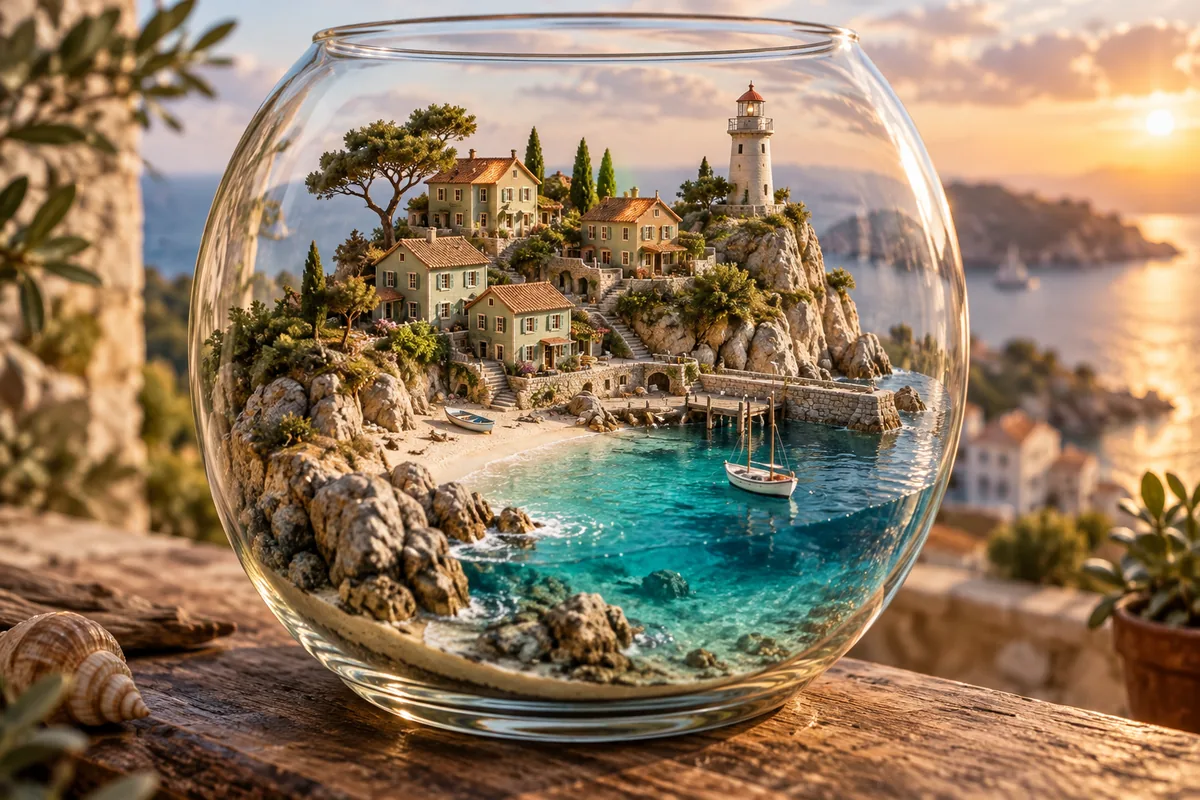
A miniature coastal village inside a clear glass terrarium, small green houses, terracotta rooftops, pale sand and turquoise water, detailed still life photography in warm afternoon light.
Generate images or combine reference images with FLUX.2 Dev. Add optional image inputs and describe the result you want. Free use is subject to Hugging Face GPU quotas.
FLUX.2 Dev is Black Forest Labs’ 32-billion-parameter model for image generation, editing and composition. It supports text-only requests as well as instructions based on one or more reference images.
The official demo includes optional image inputs, Prompt Upsampling, output dimensions, guidance, seed and inference steps. This page uses FLUX.2 Dev, not FLUX.2 Pro or Flex.
For a composition, explain what each reference contributes: for example, the product from one image and the room from another. For an edit, state the change and the details to preserve. Compare the output against the references before downloading.
Describe a new scene, or explain how the output should use the uploaded reference images. Identify subjects clearly.
Expand Input image(s) (optional). Review Prompt Upsampling and start with the default 30 steps and guidance 4.
Select Run. Review object shapes and reference details in the result, then download the image or revise the instruction.
Copy an example into the prompt field, then change the subject, colors or style to fit your request.
A miniature coastal village inside a clear glass terrarium, small green houses, terracotta rooftops, pale sand and turquoise water, detailed still life photography in warm afternoon light.
Place the product from the first reference in the room from the second reference. Preserve the product’s shape and colors. Match the room’s perspective and window lighting.
Keep the composition and objects in the reference image. Change the light to soft late-afternoon sunlight from the left, with warm highlights and natural shadows.
Inputs, generation settings, account requirements and troubleshooting.
The public demo can be used within its Hugging Face GPU allowance. Free use is limited by the hosting provider’s quotas and shared capacity; it is not unlimited. Image Toolkit does not sell credits for this embedded tool.
The official demo has an optional image-input section for reference-based requests. Describe which objects or visual details should be taken from each reference.
The demo starts at 1024 × 1024 pixels, 30 steps and guidance 4, with Prompt Upsampling enabled. The visible width and height controls range from 256 to 1024.
No. Dev is the 32B model; Klein is a separate compact model family with different settings and licensing. This page uses Dev.
No Image Toolkit account or API key is needed to open the tool. Hugging Face may require sign-in to generate images and controls the available GPU allowance. Follow the access message inside the demo.
The Space may be starting, busy or temporarily unavailable, or your GPU allowance may be exhausted. Check the message inside the tool. Select Reload if the frame is blank; wait for the provider’s quota reset if your allowance has run out.
They are sent to the black-forest-labs/FLUX.2-dev Space on Hugging Face. The host’s processing and retention rules apply. This tool does not process your inputs locally in your browser.
Browse all free AI image tools