
Studio object
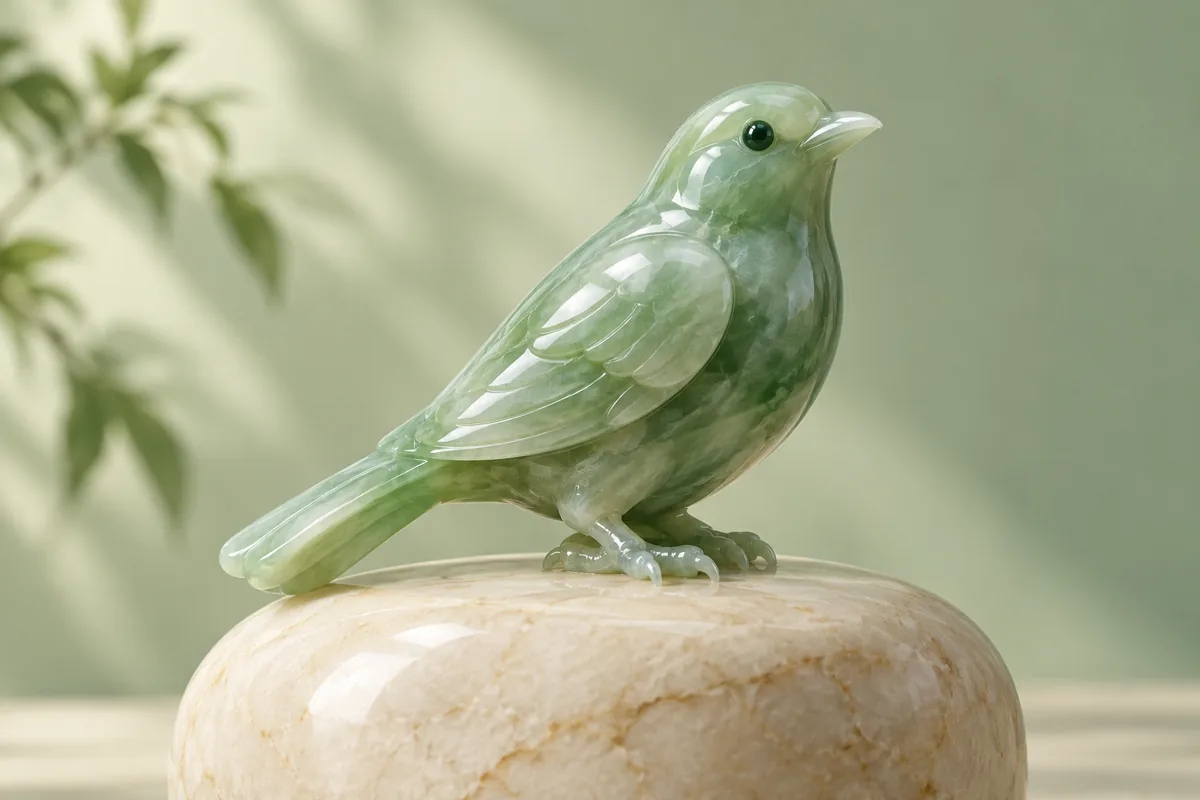
A small polished jade sculpture shaped like a bird on a pale stone pedestal, studio product photo, soft shadows, clean cream background.
Generate images from text or add reference images with FLUX.2 Klein 4B. The official demo defaults to 4 inference steps. Free use is subject to Hugging Face GPU quotas.
FLUX.2 Klein 4B is Black Forest Labs’ compact model for image generation and editing. The distilled checkpoint uses four inference steps, combining text-only generation and reference-image workflows in one model.
The official demo includes optional image inputs, width and height controls, a seed and a Prompt Upsampling option. Use an image input when the request depends on a specific object, composition or appearance.
The 4B model is released under Apache 2.0. Its model license and the public demo’s GPU allowance are separate: a permissive model license does not provide unlimited hosted generation.
Describe a complete scene for text-to-image. For an edit, describe the requested change and which visual details should stay the same.
Expand Input image(s) (optional) to upload references. Start with the default 4 steps and select the output dimensions in Advanced Settings.
Select Run. Compare the result with your prompt and any reference images, then save the output using the download control.
Copy an example into the prompt field, then change the subject, colors or style to fit your request.
A small polished jade sculpture shaped like a bird on a pale stone pedestal, studio product photo, soft shadows, clean cream background.
Place the object from the reference image on a warm cream tabletop beside an olive branch. Keep its shape and material unchanged.
A cheerful orange cat curled inside a green teacup, simple illustrated sticker design, bold clean outlines, plain white background, no letters.
Inputs, generation settings, account requirements and troubleshooting.
The public demo can be used within its Hugging Face GPU allowance. Free use is limited by the hosting provider’s quotas and shared capacity; it is not unlimited. Image Toolkit does not sell credits for this embedded tool.
Yes. Open the optional input-image section, upload a reference and describe the edit. Without a reference it generates a new image from the prompt.
The demo starts at 1024 × 1024 pixels, 4 inference steps and guidance 1. Prompt Upsampling is off by default.
No. This page uses the separate 4B distilled model. Its output and settings should not be treated as a demonstration of the 9B model.
No Image Toolkit account or API key is needed to open the tool. Hugging Face may require sign-in to generate images and controls the available GPU allowance. Follow the access message inside the demo.
The Space may be starting, busy or temporarily unavailable, or your GPU allowance may be exhausted. Check the message inside the tool. Select Reload if the frame is blank; wait for the provider’s quota reset if your allowance has run out.
They are sent to the black-forest-labs/FLUX.2-klein-4B Space on Hugging Face. The host’s processing and retention rules apply. This tool does not process your inputs locally in your browser.
Browse all free AI image tools