
Studio headshot
A professional headshot of a woman img, cream shirt, plain warm gray background, soft studio lighting, natural expression, realistic portrait photography.
Create portraits from reference photos with PhotoMaker V2. Upload face images and include the trigger word img after the person’s class word in your prompt. Free use is subject to Hugging Face GPU quotas.
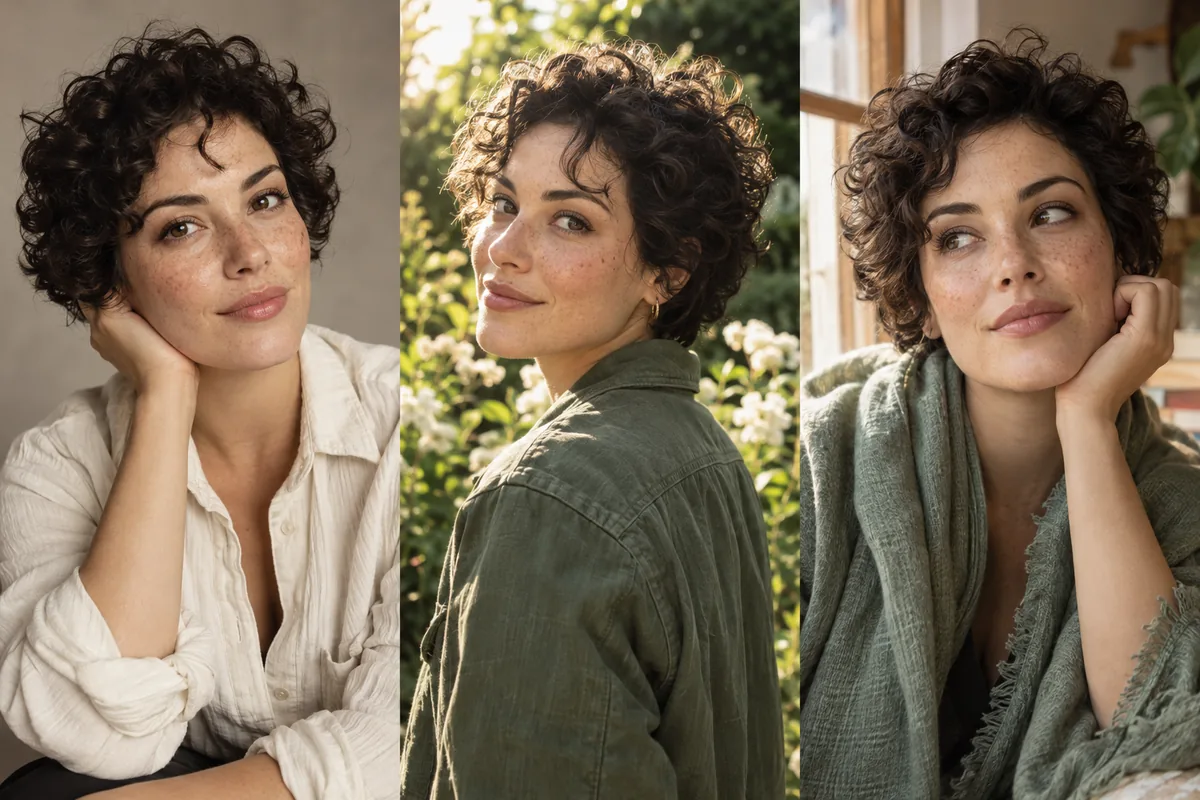
PhotoMaker V2 is TencentARC’s reference-based portrait-generation model. It combines identity information from input photos with a text prompt to create new portraits in different settings and styles without training a separate model for each person.
The official demo accepts one or more photos. Use clear reference images of the same person with the face prominent in the frame. The prompt must place the trigger word img after a class word, such as woman img or man img.
The interface also offers style templates, output aspect ratio and optional doodle-based control. Similarity depends on the source photos, prompt and settings; inspect the output rather than assuming exact identity preservation.
Choose one or more clear images of the same person. Use photos you have permission to upload, with the face occupying much of the image.
Describe the person as woman img or man img, followed by the scene. Select a style template and output aspect ratio.
Select Submit. Compare facial details against the references, then download the chosen output. Adjust style strength if needed.
Upload reference photos first. Keep img directly after woman or man in these examples; it is required by the PhotoMaker demo.
A professional headshot of a woman img, cream shirt, plain warm gray background, soft studio lighting, natural expression, realistic portrait photography.
A portrait of a man img in a green jacket, standing in a sunlit garden, soft background blur, natural skin texture, editorial photography.
A watercolor portrait of a woman img, sage scarf, warm cream paper, soft brushwork, gentle window lighting, detailed face.
Inputs, generation settings, account requirements and troubleshooting.
The public demo can be used within its Hugging Face GPU allowance. Free use is limited by the hosting provider’s quotas and shared capacity; it is not unlimited. Image Toolkit does not sell credits for this embedded tool.
It is the demo’s identity trigger word. Put it immediately after the class word, such as woman img or man img, so the request uses the uploaded identity references.
The official demo accepts one or more. Start with clear photos of the same person and a prominent face. Additional useful views may improve the likeness.
The demo includes output aspect ratios and an optional doodle-control section. Start without doodle control, then add it if you need a more specific composition.
No Image Toolkit account or API key is needed to open the tool. Hugging Face may require sign-in to generate images and controls the available GPU allowance. Follow the access message inside the demo.
The Space may be starting, busy or temporarily unavailable, or your GPU allowance may be exhausted. Check the message inside the tool. Select Reload if the frame is blank; wait for the provider’s quota reset if your allowance has run out.
They are sent to the TencentARC/PhotoMaker-V2 Space on Hugging Face. The host’s processing and retention rules apply. This tool does not process your inputs locally in your browser.
Browse all free AI image tools