
Surreal landscape
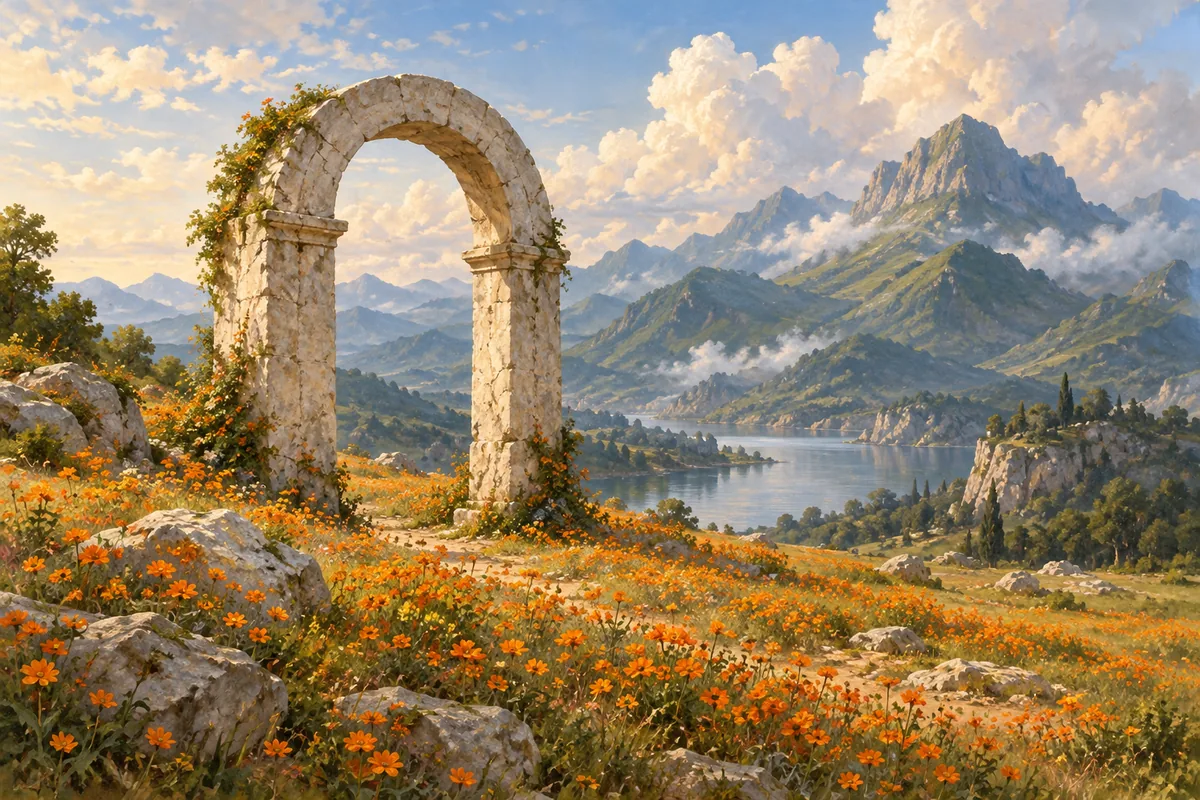
A pale stone arch standing alone in a meadow of small orange wildflowers, green mountains in the distance, softly clouded sky, detailed surreal landscape painting.
Create images from text with Stable Diffusion 3.5 Large. Use a negative prompt to describe unwanted elements and adjust generation settings. Free use is subject to Hugging Face GPU quotas.
Stable Diffusion 3.5 Large is Stability AI’s text-to-image model based on a Multimodal Diffusion Transformer. It supports a range of visual styles and prompts that describe objects, composition and text within an image.
This official demo includes a negative prompt, seed, width, height, guidance and step controls. Its defaults are 1024 × 1024 pixels, 40 steps and guidance 4.5. These are demo defaults, not a requirement for every prompt.
Use the main prompt for the desired scene and the negative prompt for unwanted features. This page embeds the Large model, not Large Turbo or Medium. The model is distributed under the Stability Community License.
Enter the main subject, surrounding scene and visual style. Be explicit about the arrangement of multiple objects.
Add a negative prompt if needed. Start at the default size, 40 steps and guidance 4.5, then change one setting at a time.
Select Run. Review the image for composition and details, then download it. Shared GPU capacity may add waiting time.
Copy an example into the prompt field, then change the subject, colors or style to fit your request.
A pale stone arch standing alone in a meadow of small orange wildflowers, green mountains in the distance, softly clouded sky, detailed surreal landscape painting.
Fresh pears and a folded linen napkin on a rustic wooden table, soft window light from the right, realistic food photography, shallow depth of field, no text.
A clean cut-paper illustration of a mountain valley, layered sage and dark green hills, a small cream sun, subtle paper texture, balanced square composition.
Inputs, generation settings, account requirements and troubleshooting.
The public demo can be used within its Hugging Face GPU allowance. Free use is limited by the hosting provider’s quotas and shared capacity; it is not unlimited. Image Toolkit does not sell credits for this embedded tool.
It describes elements or visual artifacts you want to discourage. It is separate from the main prompt, which describes the image you do want.
No. This is the original Large model. Large Turbo and Medium are separate checkpoints with different inference characteristics.
This official interface generates from text and does not include an image upload for editing. Choose an image editor from the directory for reference-based changes.
No Image Toolkit account or API key is needed to open the tool. Hugging Face may require sign-in to generate images and controls the available GPU allowance. Follow the access message inside the demo.
The Space may be starting, busy or temporarily unavailable, or your GPU allowance may be exhausted. Check the message inside the tool. Select Reload if the frame is blank; wait for the provider’s quota reset if your allowance has run out.
They are sent to the stabilityai/stable-diffusion-3.5-large Space on Hugging Face. The host’s processing and retention rules apply. This tool does not process your inputs locally in your browser.
Browse all free AI image tools