
Landscape photograph
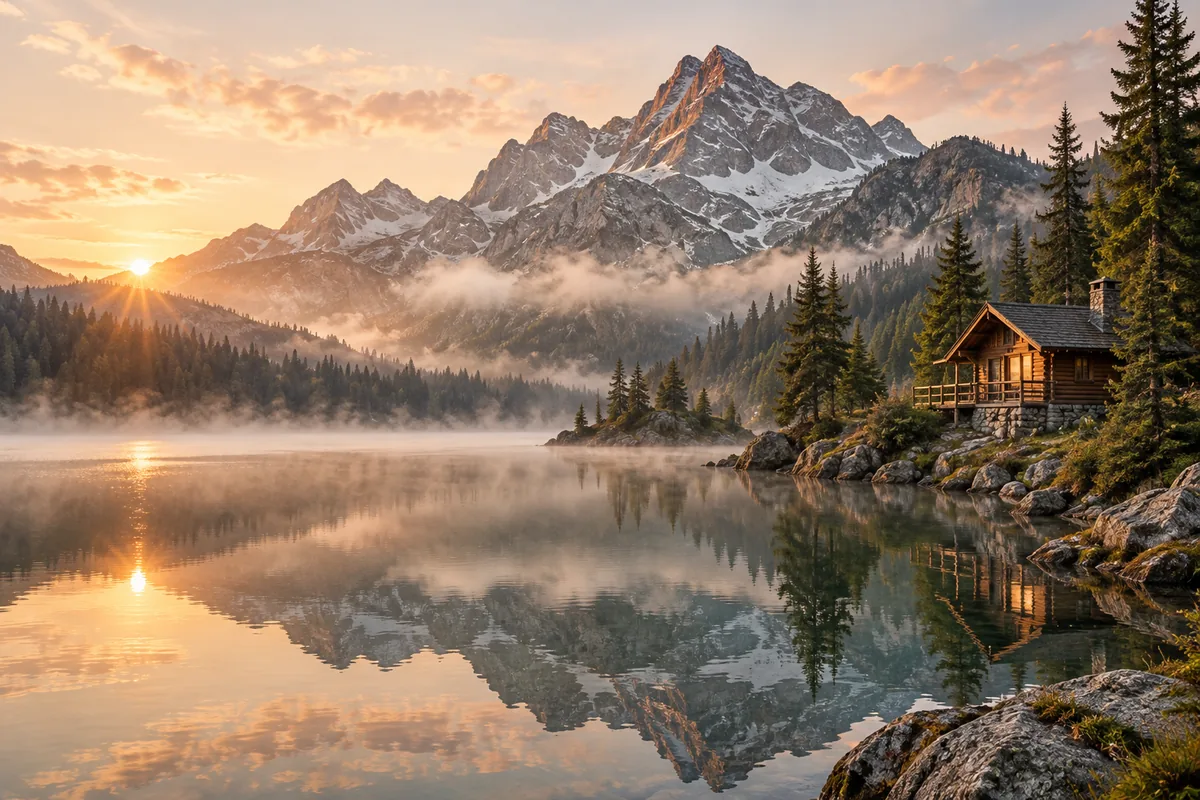
A wooden cabin beside a still alpine lake at sunrise, mist above the water, pine-covered slopes, realistic landscape photography, soft natural light.
Create images from text with Z-Image Turbo. Adjust width, height and seed in the community demo’s Advanced settings. Free use is subject to Hugging Face GPU quotas.
Z-Image Turbo is Tongyi-MAI’s distilled 6-billion-parameter text-to-image model. It targets efficient generation and supports photographic scenes as well as English and Chinese text within images.
This page embeds mrfakename’s community demo of the Tongyi-MAI model. It accepts a text prompt and provides image dimensions, inference steps and seed controls. It is a separate host from the model developer’s demo.
Describe the subject and composition first. Put any short text you want in quotation marks and specify its location. Check the generated lettering before using the image, since text rendering can still make mistakes.
Enter a subject, setting and visual style in Your prompt. Add exact wording in quotes if the scene needs a sign or label.
Open Advanced settings. Start with the default 1024 × 1024 size and 9 inference steps; change the seed to try another composition.
Select Generate image. Wait for the result, then use its download control. A GPU quota message may require waiting or signing in.
Copy an example into the prompt field, then change the subject, colors or style to fit your request.
A wooden cabin beside a still alpine lake at sunrise, mist above the water, pine-covered slopes, realistic landscape photography, soft natural light.
A small green bookshop on a quiet street, a wooden sign above the door reading "BOOKS", warm light in the window, straight-on architectural photograph.
A transparent amber glass bottle on cream stone with one olive branch, warm side lighting, accurate glass reflections, minimalist product photograph.
Inputs, generation settings, account requirements and troubleshooting.
The public demo can be used within its Hugging Face GPU allowance. Free use is limited by the hosting provider’s quotas and shared capacity; it is not unlimited. Image Toolkit does not sell credits for this embedded tool.
The model is from Tongyi-MAI. The embedded interface is the community Space maintained by mrfakename, with its own availability and settings.
The published Turbo pipeline uses 9 scheduler steps for 8 model evaluations. Start with the demo default rather than assuming a higher count will improve the result.
This demo generates from text and has no image upload input. Z-Image editing models are separate from the Turbo text-to-image model.
No Image Toolkit account or API key is needed to open the tool. Hugging Face may require sign-in to generate images and controls the available GPU allowance. Follow the access message inside the demo.
The Space may be starting, busy or temporarily unavailable, or your GPU allowance may be exhausted. Check the message inside the tool. Select Reload if the frame is blank; wait for the provider’s quota reset if your allowance has run out.
They are sent to the mrfakename/Z-Image-Turbo Space on Hugging Face. The host’s processing and retention rules apply. This tool does not process your inputs locally in your browser.
Browse all free AI image tools